

Whether you aim to launch your first website, start an online business, or become a sought-after WordPress developer, you need the proper knowledge. The challenge isn’t finding tutorials; it’s navigating the overwhelming sea of content. How do you find the top resources to learn WordPress quickly and efficiently?
This comprehensive guide cuts through the noise. We detail the twelve absolute best WordPress learning platforms, from official documentation to expert-led video series. We cover every angle, from WordPress basics for absolute beginners to advanced theme development for experienced WordPress professionals. By focusing on these top resources to learn WordPress quickly, you can accelerate your journey from novice to master.
Why Learning WordPress is Essential
Mastering WordPress is more than just learning a platform; it’s unlocking the door to the digital economy. For entrepreneurs and small businesses, a WordPress website serves as the foundation of their online presence. It’s the easiest way to launch a professional site without needing a programming language like PHP, HTML, or CSS.
You gain powerful independence when you learn WordPress. You control your digital destiny, minimizing reliance on expensive web development agencies. The platform’s flexibility, supported by thousands of WordPress plugins and WordPress themes, lets you build anything, from a simple blog to a complex ecommerce website.
WordPress users can customize every aspect of their site using tools like the drag-and-drop editor, giving them complete creative freedom. Finding the top resources to learn WordPress quickly is the first step toward this freedom and building a profitable website.
Build a Powerful WordPress Website That Drives Results
Take your online presence to the next level with our expert WordPress development services tailored for performance, scalability, and SEO success.
Criteria for Selecting the Best WordPress Learning Resources
Before diving into the list of top resources to learn WordPress quickly, you must understand how to evaluate them. Not all online resources are created equal. Use these key factors to determine the value of any learning resource:
- Accuracy and Freshness: The WordPress ecosystem changes constantly with updates to the core software and the Gutenberg block editor. The best WordPress resources regularly update their content to reflect the latest versions.
- Target Audience: A good resource clearly states if it targets WordPress beginners, intermediate users, or seasoned developers. Absolute beginners require step-by-step installation guides, while developers seek advanced topics such as custom post types and the REST API.
- Content Format: Do you learn better through text, video tutorials, or hands-on practice? The top resources for learning WordPress quickly offer a mix of formats, including in-depth articles, video courses, and downloadable guides.
- Cost and Value: Many excellent WordPress tutorials are available as a free resource. However, paid courses or training courses often provide structured learning, one-on-one support, and a certificate. Evaluate whether the course content justifies the monthly cost or the one-time fee.
- Community and Support: The strongest learning resource often comes with a support team or active community forums where you can ask questions and troubleshoot issues.
Top Resources to Learn WordPress
By applying the strict criteria above, we’ve compiled the definitive list of top resources to learn WordPress quickly and effectively.
WPServices: Professional WordPress Solutions and Tutorials
WPServices offers expert-level guidance, often focusing on the nuances of managing, optimizing, and securing a professional WordPress site.

While they specialize in providing professional WordPress solutions, their tutorials are an excellent source for users who have mastered the WordPress basics and are ready to tackle optimization and site stability.
Their resources cover essential areas like WordPress security best practices, speed optimization guides, and complex WordPress hosting issues. This makes them a top choice for users who want to transition from basic site ownership to becoming proficient site administrators.
If you want to learn how to keep your own website running at peak performance, WPServices provides the technical, in-depth articles you need.
Seahawk Media: Expert Guides and Learning Resources
Seahawk Media, recognized for its comprehensive range of professional services for the WordPress ecosystem, offers expert-written WordPress tutorials and guides. Their blog focuses on high-level, strategic topics relevant to online business growth, agency operations, and leveraging WordPress as a strategic tool.
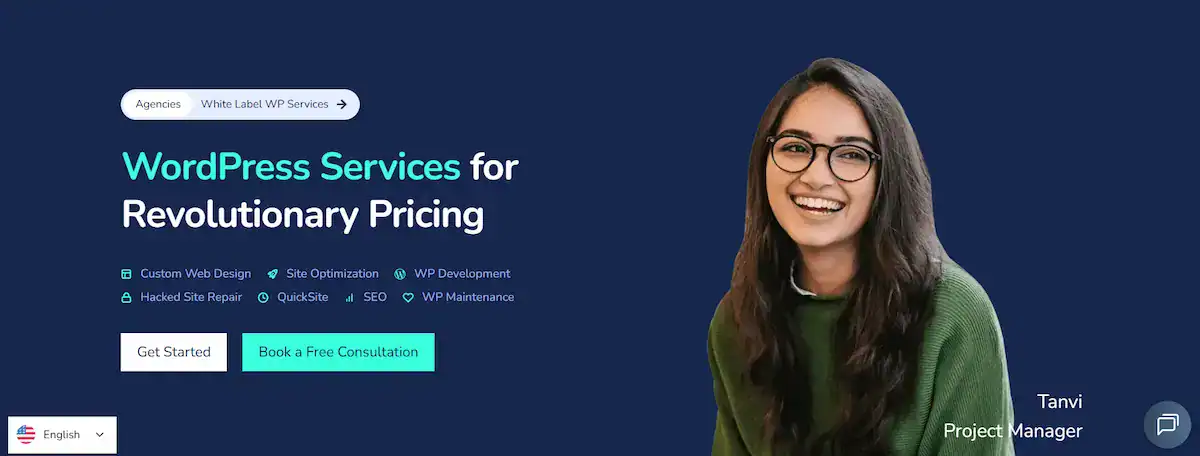
This learning resource is ideal for those who are building or managing multiple client sites, or those focused on the strategic side of web development and digital agency growth.
Their content helps experienced WordPress professionals stay ahead of industry trends and understand the business implications of new WordPress features and technology.
This focus on practical, expert-driven strategy makes them one of the top resources to learn WordPress quickly when your goal is business scaling.
WP Legends: Podcasts on YouTube
The WP Legends Podcasts on YouTube, produced by Seahawk Media, offer a unique and engaging way to learn WordPress.
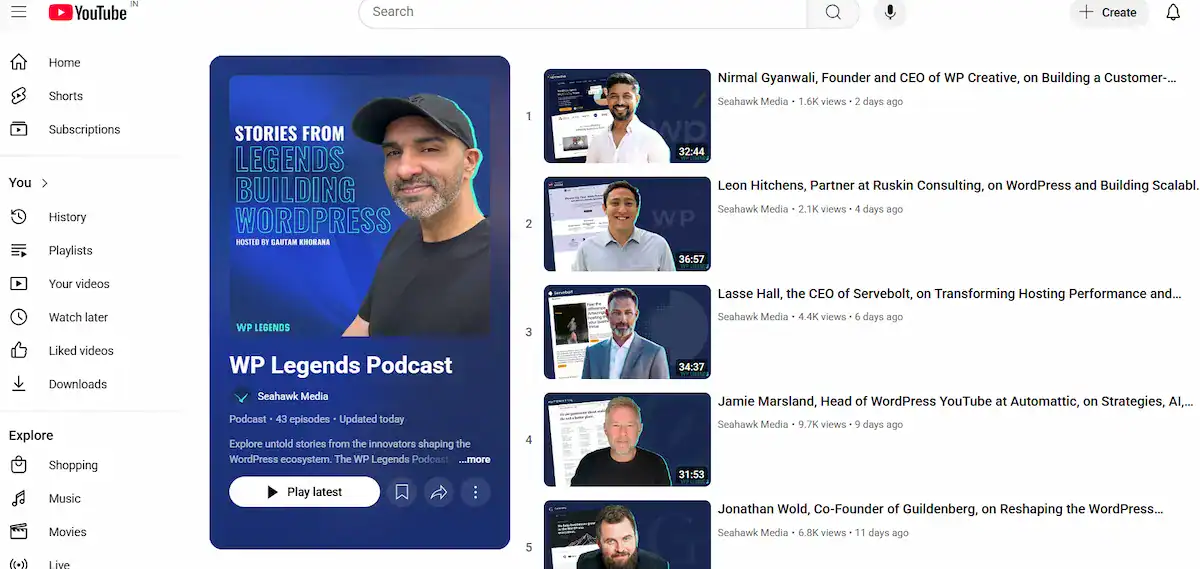
Rather than focusing on a technical step-by-step WordPress tutorial, these videos feature candid interviews with the founders and industry experts behind the largest WordPress plugins and products (like Elementor, Beaver Builder, and Yoast).
This platform allows users to gain an invaluable perspective on the future of the WordPress ecosystem, understand the why behind design and development decisions, and learn key business strategies.
For anyone looking to master WordPress and gain a comprehensive understanding of the industry from the inside out, this YouTube channel is a fantastic, high-quality, free resource that you should definitely bookmark.
WPEdition: Comprehensive WordPress Tips and Tutorials
WPEdition provides up-to-date information about advancements in the WordPress ecosystem. It covers topics such as news, acquisitions, mergers, and top ten rankings.

WPEdition represents the category of high-quality, comprehensive WordPress tutorial blogs that serve as an encyclopedia of tips and techniques for users of all skill levels.
The site specializes in long-form, in-depth tutorials that explain configuration settings, advanced use of the WordPress block editor, and detailed step-by-step guides. Whether you are setting up custom post types or editing your site’s files safely, you will find tutorials that make the process straightforward.
It is an indispensable free resource that complements structured WordPress courses by offering practical solutions to real-world challenges encountered during website development and management.
For learners who prefer hands-on problem-solving, WPEdition and other similar comprehensive WordPress blogs are among the best sources for quickly building knowledge and skills.
WPBeginner: Step-by-Step Guides for Absolute Beginners
WPBeginner is arguably the most famous and essential learning resource for WordPress beginners. Since its inception, the site has focused on providing clear, non-technical, step-by-step guides that demystify the process of building your own website.

Their content is specifically designed to take absolute beginners from zero to a live site. You’ll find extensive tutorials on how to choose web hosting, install WordPress, select a WordPress theme, and configure the most crucial right plugins.
WPBeginner’s video tutorials and free workshops on WordPress basics set the gold standard for anyone just starting out. They’ve helped millions of WordPress users launch their sites successfully, cementing their status as one of the definitive top resources to learn WordPress quickly.
ThemeIsle: Theme and Plugin Tutorials for Design Enthusiasts
ThemeIsle, a major provider of WordPress themes and premium plugins, utilizes its blog and academy to educate users on how to optimize their products and, by extension, all aspects of WordPress web design.
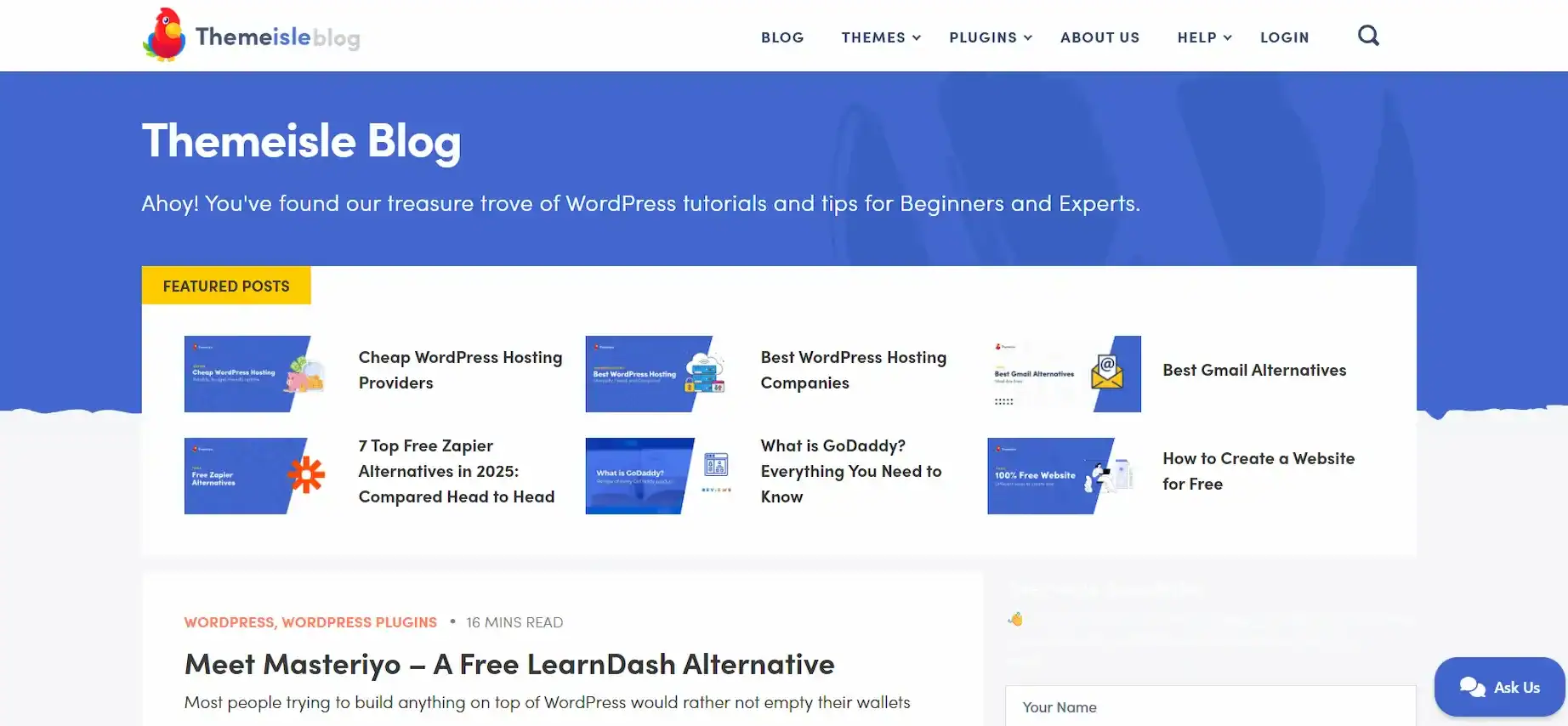
This makes them a key learning resource for design enthusiasts who want to build a stunning, professional-looking WordPress site.
Their WordPress tutorials are convenient, often focusing on visual customization, using their own themes like Neve or Hestia, and demonstrating how to use drag-and-drop page builders effectively.
If your goal is to build a beautiful and functional new website that focuses on aesthetics and user experience, ThemeIsle provides the practical, visual guidance you need.
Learning to use premium plugins and advanced WordPress theme customization tutorial techniques from the creators themselves is a highly effective way to learn WordPress.
Learn.WordPress.org: Official WordPress Learning Platform
As the official learning portal for the WordPress project, Learn.WordPress.org is the most authoritative and trustworthy free resource.

It offers structured, community-driven WordPress courses and lessons that are always up-to-date with the latest version of the core software, including the WordPress block editor tutorial.
The content is created and maintained by volunteers, and the same people who build WordPress itself. Lessons cover the absolute basics of the dashboard, content creation, and site management, making it perfect for WordPress beginners.
For anyone seeking a solid, foundational understanding of the core system, free from third-party vendor bias, this platform is one of the essential top resources to learn WordPress quickly and accurately.
Yoast SEO Academy: Mastering SEO for WordPress Sites
No WordPress site is complete without traffic, and that requires search engine optimization (SEO). Yoast, the company behind the popular Yoast SEO WordPress plugins, provides a comprehensive academy focused entirely on this crucial topic.
Yoast SEO Academy is a vital learning resource for all WordPress users seeking to establish an online business.
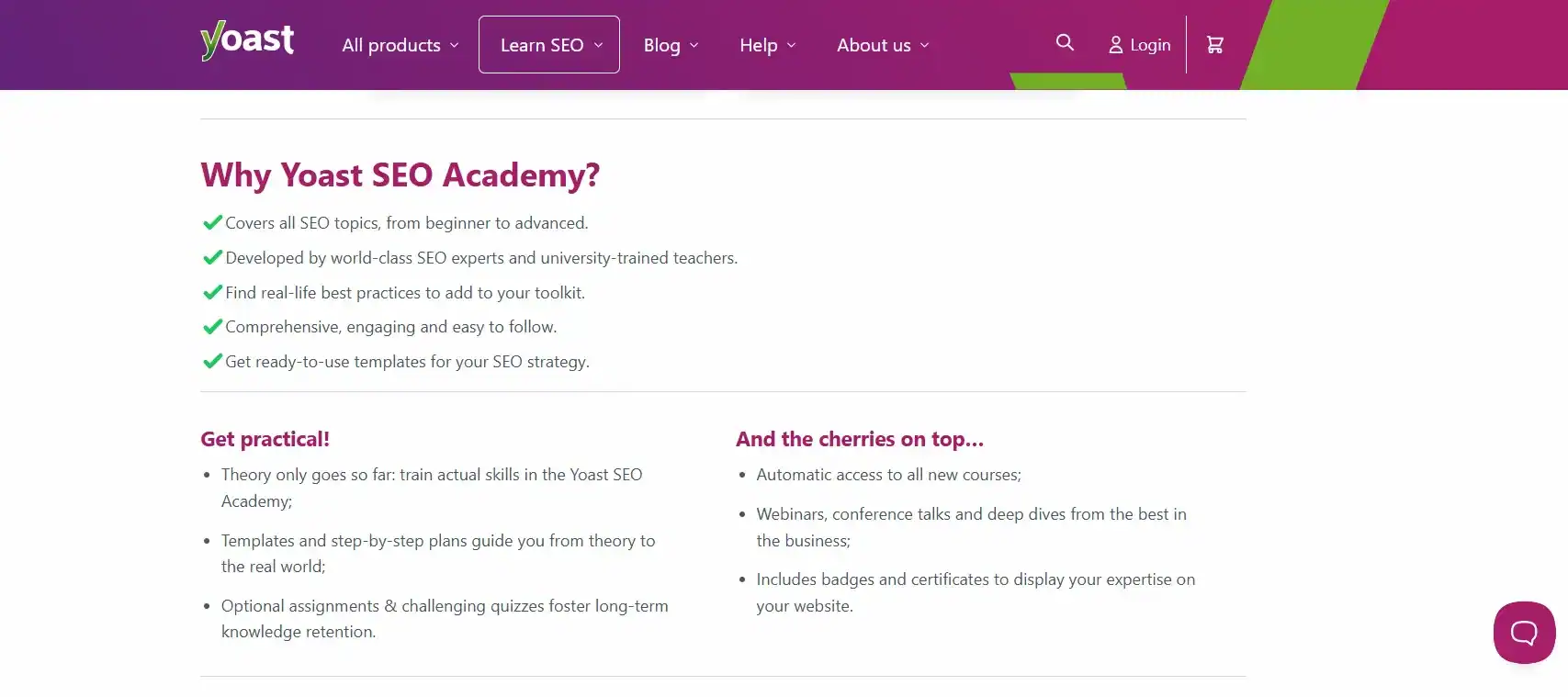
It offers a mix of free courses and premium courses, teaching everything from WordPress SEO tutorials, WordPress basics, to technical SEO, keyword research, and content strategy.
Since SEO is a non-negotiable part of a successful own website, the academy ensures you master WordPress not just in building, but in visibility. Utilizing this specialized training is a fast track to getting your new website to rank well.
Elementor Academy: Building Stunning Websites with Drag-and-Drop
Elementor is one of the most dominant drag-and-drop page builders in the WordPress ecosystem. The Elementor Academy offers dedicated video tutorials and WordPress courses that teach you how to utilize its drag-and-drop editor to create stunning websites without needing to write a single line of code.
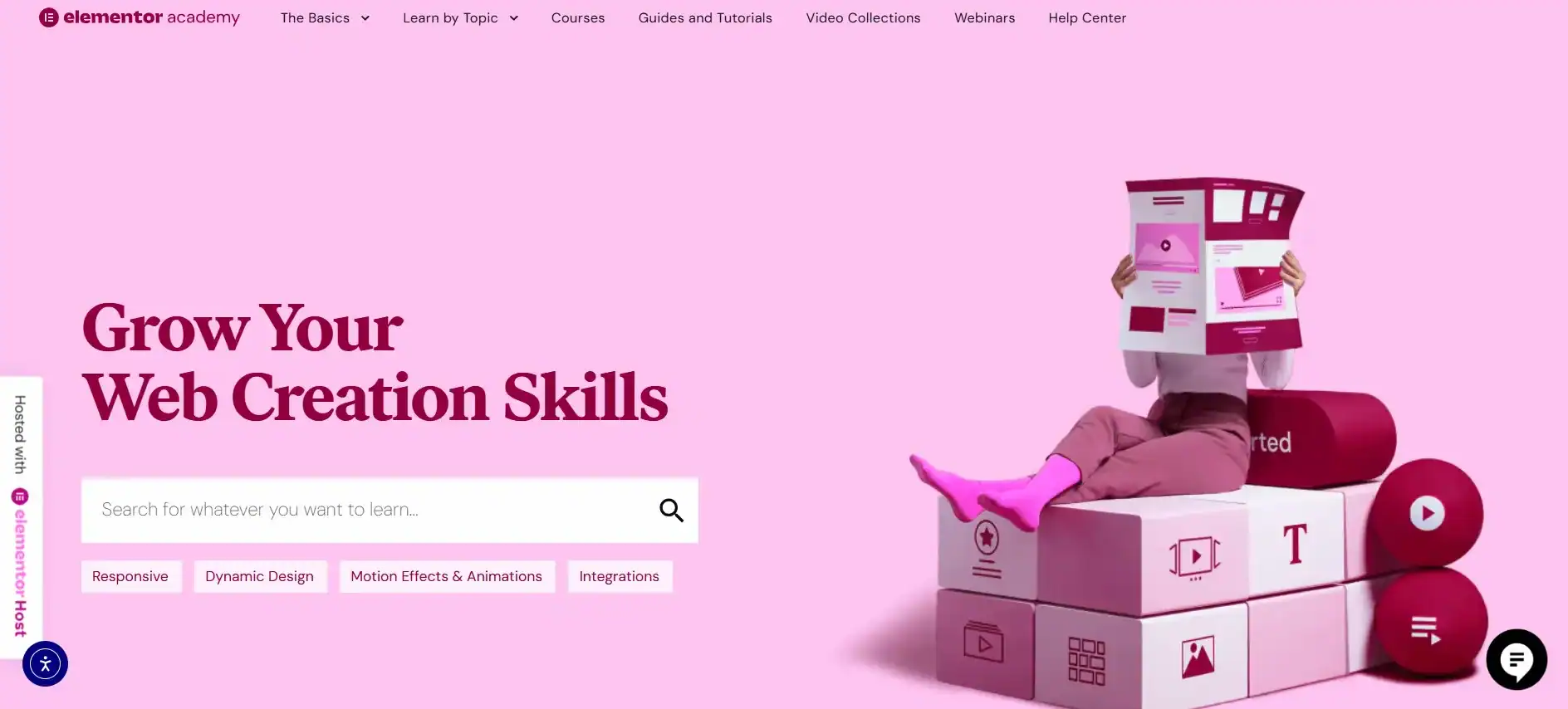
For WordPress beginners or designers who focus primarily on aesthetics and visual site construction, the Elementor Academy is a powerful learning resource.
Their training focuses on design principles, wireframing, using templates, and building advanced features, such as landing page designs and pop-ups. It’s the top resource to learn WordPress quickly if your primary goal is to master visual web design and leverage the capabilities of modern site builder tools.
Udemy and LinkedIn Learning: Structured Courses for Diverse Learning Styles
Platforms like Udemy and LinkedIn Learning offer a different kind of learning resource: vast marketplaces of structured, comprehensive WordPress training courses. These platforms are ideal for users who prefer a formal, linear learning path, often resulting in a certificate of completion.
- Udemy: A vast selection means you can find a WordPress course for virtually any niche, from WordPress theme customization tutorials to building an ecommerce site with WooCommerce. Look for highly-rated classes with a large number of students to ensure quality. The courses often require a one-time fee and offer lifetime access.

- LinkedIn Learning: Formerly Lynda.com, this platform is better for those who anticipate needing a wide range of business or technical skills beyond just WordPress. The subscription model (monthly cost) provides access to thousands of courses, perfect for experienced WordPress professionals looking to round out their WordPress skills in areas like project management or digital marketing.

Both platforms are among the top resources to learn WordPress quickly when you are seeking an affordable WordPress training course with a defined start and finish.
YouTube Channels: Visual Learning from WordPress Experts
YouTube is the ultimate free resource for visual, practical learning. Hundreds of industry experts and WordPress users publish high-quality video tutorials covering everything from how to install WordPress in under 10 minutes to advanced topics, such as creating custom post types.
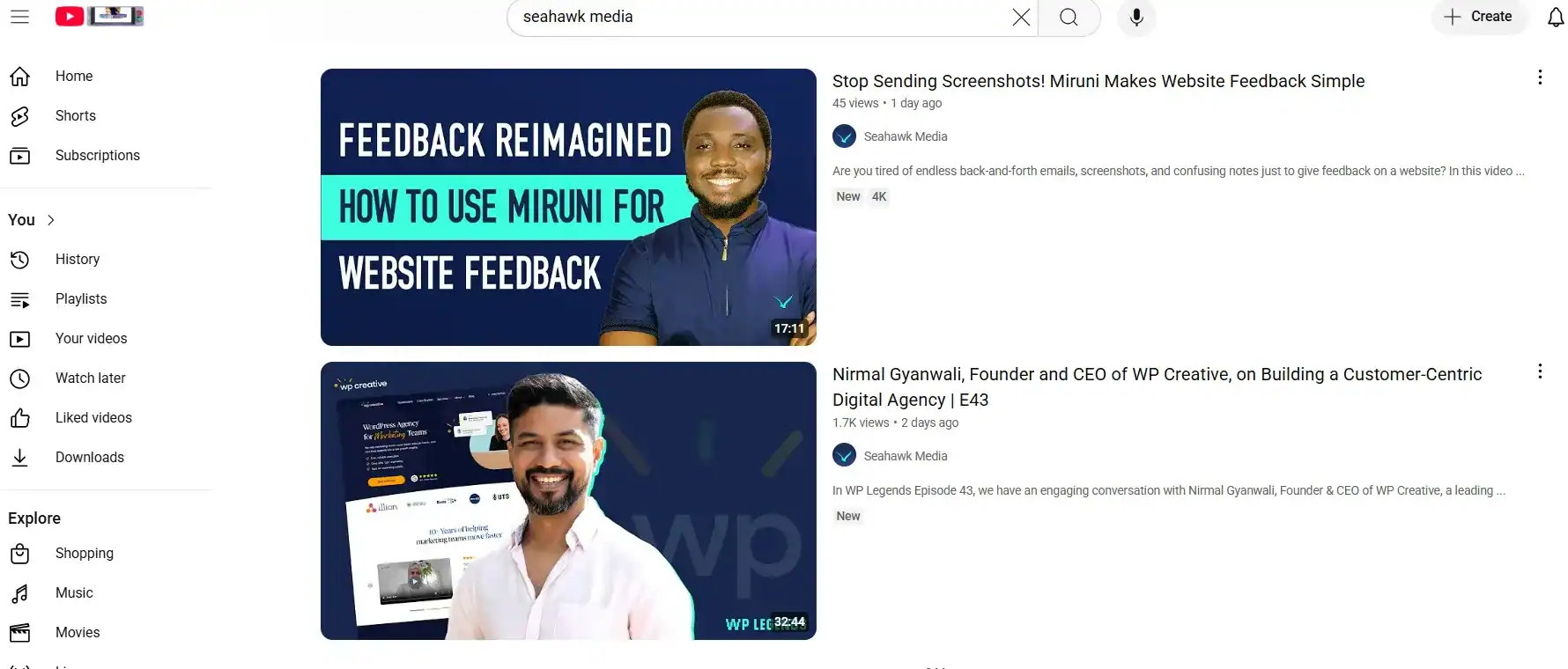
For WordPress beginners, channels focused on step-by-step WordPress tutorials, complete website builds are invaluable. The key is to find tutorials from reputable creators who consistently update their content.
You can find excellent visual guides on specific tools, such as Beaver Builder, or plugins like Ninja Forms. While less structured than a formal WordPress course, the sheer volume and speed of delivery make YouTube channels one of the top resources for visual learners to learn WordPress quickly.
WordPress Support Forums: Community Assistance and Troubleshooting
When you inevitably run into a problem, the official WordPress Support Forums are your best line of defense. This is where the global community of WordPress users, developers, and volunteers gathers to offer assistance and troubleshoot issues.

The forums are an essential learning resource for understanding common problems, learning how to articulate technical challenges, and receiving direct, community-driven support.
While it may not teach you WordPress basics, it teaches you a critical WordPress skill: problem-solving. Reviewing past discussions is an effective way to master WordPress troubleshooting, a valuable skill for maintaining any WordPress site.
Tips for Accelerating Your WordPress Learning Journey
Finding the top resources to learn WordPress quickly is only half the battle; your approach to learning is just as important. Apply these tips to accelerate your path to WordPress mastery:
- Start with the Basics, Then Build: Do not jump straight into theme development. First, install WordPress on a local or staging environment. Master the WordPress basics, posts, pages, themes, and plugins, before you tackle advanced topics.
- Build a Real Site Immediately: The fastest way to learn WordPress is by actually doing it. Pick a project, a simple blog, a portfolio, or a mock online store, and build it from scratch. Apply the free tutorials you find immediately.
- Choose One Page Builder and Master It: Tools like Elementor or Beaver Builder are essential for creating effective websites. Focus on mastering one drag-and-drop editor instead of constantly switching between them. This dedicated practice drastically improves your WordPress skills.
- Prioritize Security and Backups: From the outset, learn WordPress security best practices and implement a comprehensive WordPress backup and restore process. The best WordPress users are proactive, not reactive.
- Use Official Documentation (Codex/Handbook): The WordPress codex is dense, but it is the ultimate, authoritative guide. Consult it when the simpler WordPress tutorials don’t provide enough technical detail.
- Connect with the Community: Join Facebook groups, subscribe to the WP Legends podcast, and participate in community forums. The WordPress ecosystem is built on sharing knowledge, which is one of the top resources for quickly learning WordPress and accessing peer support.
Conclusion: Your Path to WordPress Mastery
Becoming a proficient WordPress user is an achievable goal, provided you use the correct map. By focusing on the top resources to learn WordPress quickly, you can save hundreds of hours wasted on outdated or irrelevant content.
Begin with the foundational guides from WPBeginner and the official Learn.WordPress.org to grasp the basics of WordPress. Transition to specialized platforms like Yoast SEO Academy and Elementor Academy to build marketable WordPress skills in SEO and design. Consult expert insights from WPServices and Seahawk Media to manage your WordPress site professionally.
Remember: the quickest way to master WordPress is through consistent application and a commitment to these high-quality online resources. Choose your learning path today, install WordPress on your own website, and embark on your journey from WordPress beginner to advanced.
FAQs on Top Resources to Learn WordPress
What is the best way for complete beginners to learn WordPress?
Complete beginners should start with free WordPress tutorials and guides that explain the basics, such as installing themes, adding plugins, and creating a landing page. Many online resources, such as WPBeginner, WP Apprentice, and WP Sessions, offer step-by-step lessons in video format that can be accessed from mobile devices.
Are online courses better than free tutorials for learning WordPress?
Both options are helpful depending on your learning style. Online courses from platforms like WP Apprentice or LinkedIn Learning offer structured paths, evaluation criteria, and expert support to help you master WordPress. Free tutorials and free WordPress resources are excellent for self-paced learners who want quick tips without cost.
Do I need hosting providers to practice WordPress?
Yes, to build a live site, you will need a hosting provider since WordPress powers millions of websites online. Many hosting providers offer one-click WordPress installation, free domains, and beginner-friendly dashboards, making it easier for website visitors to access your content.
Which WordPress-related tools should I learn as a beginner?
For beginners, focusing on page builders like Beaver Builder is recommended. It allows you to design a landing page or blog layout without coding. Pairing this with SEO plugins and free tutorials will accelerate your learning.
How can I evaluate which WordPress resource is best for me?
Use clear evaluation criteria, such as content quality, the availability of online resources, support, and learning formats (e.g., video format, guides, or hands-on practice). Choose the method that keeps you consistent and motivated to master WordPress.

