

Every WordPress site owner knows the sinking feeling of a white screen of death or a critical error after an update. Whether it’s a server crash, a malicious hack, or a simple human error, losing your website data is a nightmare scenario. The only safety net that truly works is a reliable backup.
Finding the best WordPress backup solution is not just about peace of mind; it is a fundamental part of website security. With the right WordPress backup plugin, you can restore your entire site in just a few clicks, minimizing downtime and protecting your hard work.
This comprehensive guide examines the top backup tools available, enabling you to select the ideal backup solution for your specific needs.
TL;DR: Choosing the Best WordPress Backup And Restore Plugins
- Regular WordPress backups are crucial for protecting your site from hacks, crashes, incorrect updates, and human errors.
- The best backup plugins offer automated scheduling, off-site cloud storage, incremental backups, and one-click restore options.
- Selecting the right plugin depends on your needs, including site size, update frequency, compliance requirements, and whether real-time backups are necessary.
Why Regular WordPress Backups for Website Security Matter
Think of a backup as an insurance policy for your digital presence. WordPress sites are vulnerable to various threats, including brute-force attacks, plugin conflicts, and hosting server failures. Without a comprehensive backup strategy, you risk losing years of content, customer data, and custom design elements.

Regular backups ensure that you can recover your site to a working state immediately. While some web hosts offer backups, they are often stored on the same server as your live site.
If the server fails, you lose both your website and your backups. Using a dedicated backup plugin for WordPress that offers remote storage is the gold standard for security.
Key Features to Look for in the Best WordPress Backup Plugin
Not all backup plugins are created equal. When evaluating the best WordPress backup and restore plugins, look for these essential features:
- Automated Scheduled Backups: You shouldn’t have to remember to hit “Save.” The plugin should run backups automatically on a schedule (daily, weekly, or even hourly).
- Incremental Backups: Instead of backing up the entire site every time (which consumes server resources), smart plugins only save the changes made since the last backup.
- Offsite Cloud Storage: Always choose a tool that sends backup files to cloud storage services, such as Google Drive, Dropbox, or Microsoft Azure. Storing backups on the same server as your site is risky.
- One-Click Restore: The restore process should be simple. In an emergency, you need to get your site back online with just a few clicks, without requiring complex FTP knowledge.
- Real-Time Backups: For ecommerce stores or active blogs, real-time backup features ensure that every single order or comment is saved instantly.
Need Expert WordPress Backup and Restore Services?
Protect your website with automated backups, fast restores, and proactive monitoring handled by WordPress experts around the clock.
Top WordPress Backup and Restore Plugins Reviewed
We have tested and analyzed the top contenders in the WordPress plugin directory to bring you this list of the most reliable backup solutions.
BlogVault
BlogVault is widely considered one of the most reliable SaaS (Software as a Service) backup solutions. Because it runs on its own servers, it puts zero load on your WordPress site.

- Best For: Critical business sites and WooCommerce stores.
- Key Features: It offers incremental backups that are fast and efficient. The platform features a built-in staging site, enabling you to test updates before deploying them live.
- Restore Process: It boasts a 100% success rate with its one-click restore feature, which works even if your site is completely down.
- Pricing: Premium only, but worth the investment for the reliability.
Jetpack Backup
Jetpack Backup is a popular choice developed by Automattic, the team behind WordPress.com. It is a user-friendly, “set and forget” tool.

- Best For: Users who want a hands-off, all-in-one solution.
- Key Features: It provides real-time automated backups and unlimited storage. It also includes an activity log, so you can see exactly which action caused an issue.
- Restore Process: You can restore your site from the Jetpack mobile app or desktop dashboard with a single click, even if you are unable to access your WordPress admin area.
- Note: It is often sold as part of the larger Jetpack security suite.
SolidWP
SolidWP (formerly iThemes) acts as a central command center for managing multiple WordPress sites. While it is a suite of tools, its strength lies in centralized management.

- Best For: Agencies and freelancers managing multiple client sites.
- Key Features: SolidWP enables you to manage updates, security, and backups from a single, intuitive dashboard. It integrates seamlessly with Solid Backups to ensure every site under your care is protected.
- Pros: It streamlines the workflow for professionals who need to generate client reports and monitor site health across multiple locations.
WP Umbrella
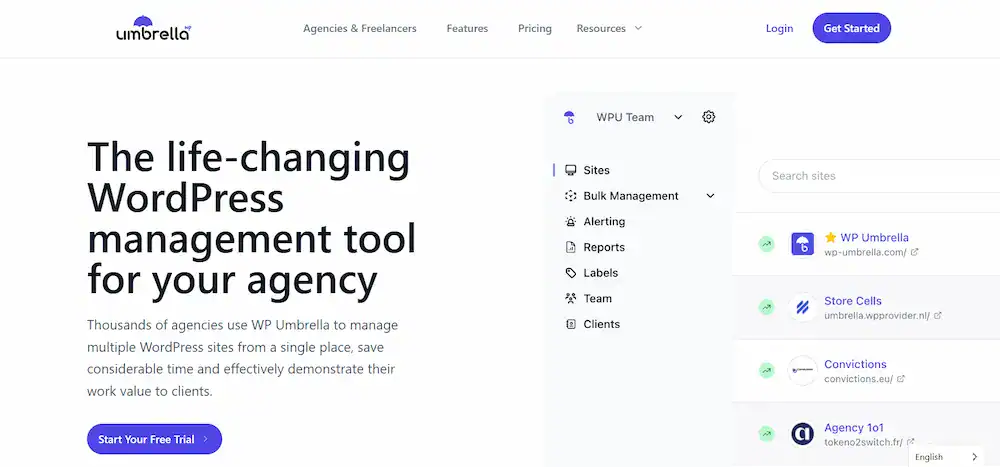
WP Umbrella is a lightweight, all-in-one monitoring and backup solution designed to replace clunky management tools.
- Best For: Agencies and developers prioritizing performance.
- Key Features: It combines automated backups with uptime monitoring and PHP error tracking. The backups are stored securely in the cloud and are GDPR compliant.
- Performance: It is known for being extremely resource-efficient, ensuring your hosting server doesn’t slow down during the backup process.
WP Remote
WP Remote is a powerful management tool often favored by agencies. It leverages the same robust technology as BlogVault but focuses on bulk management.

- Best For: Managing dozens or hundreds of sites.
- Key Features: It allows for automatic backups across all connected sites. You can also execute bulk updates for plugins and themes.
- Advantage: It offers a “white-label” experience, allowing agencies to present backup data and reports to clients under their own branding.
HIPAA Vault
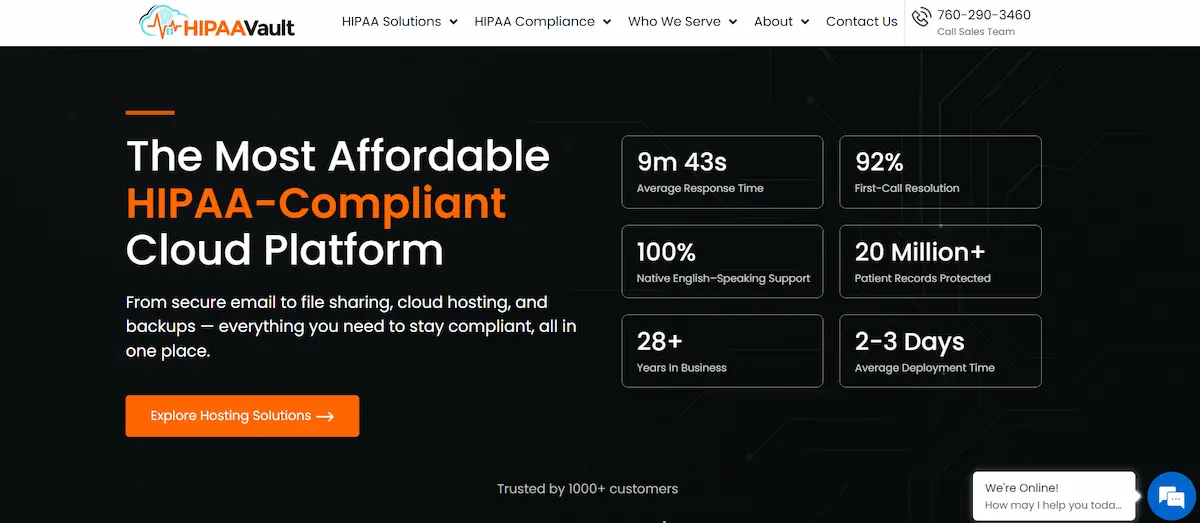
Unlike standard plugins, HIPAA Vault is a specialized hosting provider that includes compliance-focused backup solutions.
- Best For: Healthcare websites handling sensitive patient data (PHI).
- Key Features: It provides a fully HIPAA-compliant environment. The backup service here is integrated directly into the hosting, ensuring encryption standards that meet federal regulations.
- Why Choose It: If you need to meet legal compliance standards, such as HIPAA, a free WordPress backup plugin may not be sufficient. This solution ensures data encryption at rest and in transit.
Infinite Uploads
Infinite Uploads is a unique entry on this list. While primarily a media offloading tool, it serves a critical backup function for media-heavy sites.

- Best For: Photographers, videographers, and sites with massive media libraries.
- Key Features: It automatically moves your media library to the cloud. While not a complete database backup tool, it ensures your “uploads” folder, often the most significant part of a backup file, is safely stored off-site.
- Use Case: Utilize this in conjunction with a lightweight database backup plugin to establish a comprehensive and storage-efficient strategy.
Duplicator
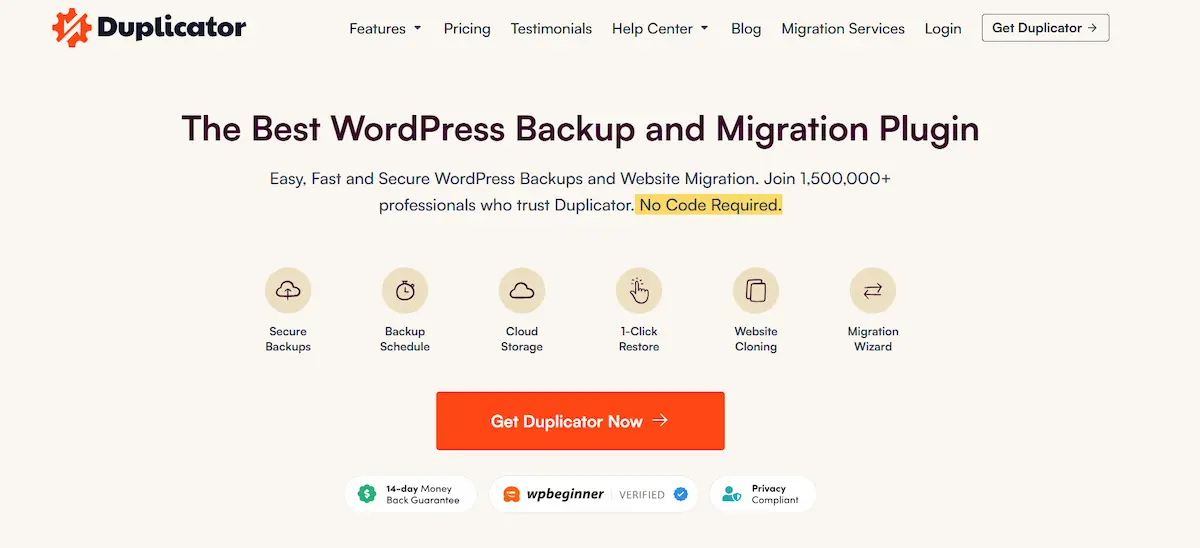
Duplicator is famous as a migration plugin, but it is also an excellent backup tool.
- Best For: Users who want to clone sites or migrate between hosts.
- Key Features: The free version lets you create manual full backups of your entire WordPress site (files + database).
- Duplicator Pro: The premium version unlocks scheduled backups, cloud storage integration (Google Drive, Dropbox, etc.), and recovery points for easier restoration.
UpdraftPlus
UpdraftPlus is arguably the most popular free WordPress backup plugin worldwide, with over 3 million active installations.
- Best For: Budget-conscious users who want premium features for free.
- Key Features: Even the free version allows you to schedule automatic backups and send them to remote storage, such as Google Drive, Dropbox, and Amazon S3. It separates database backups from file backups, giving you control over what you save.
- Premium Version: Upgrading gives you access to incremental backups, database encryption, and advanced reporting.
Solid Backups
Solid Backups is the standalone backup plugin from the SolidWP family (formerly known as BackupBuddy).

- Best For: Users who want a dedicated, time-tested backup engine.
- Key Features: It offers “Stash Live,” a feature that creates a continuous, real-time backup of your database. It handles complete website backups efficiently and sends them to secure offsite storage.
- Restore: It includes a tool called “ImportBuddy” which helps you restore your site even if WordPress is completely wiped from the server.
How to Choose the Best WordPress Backup Plugin for Your Website
With so many backup plugins available, making a choice can be overwhelming. Here is a quick guide to help you decide:
- Free and Simple Backups: UpdraftPlus is the clear winner. It offers robust cloud storage options and scheduling capabilities without incurring any costs.
- Ecommerce and Business: BlogVault or Jetpack Backup. The real-time backup features are non-negotiable for stores where losing even an hour of data means lost revenue.
- Agencies: SolidWP, WPRemote, or WP Umbrella. These tools allow you to manage backups for multiple clients from a single screen.
- Migrations: Duplicator is the industry standard for moving a WordPress site from one host to another while keeping a backup copy.
- Compliance: If you handle medical data, skip the standard plugins and opt for a solution like HIPAA Vault to ensure legal compliance.
Final Thoughts on the Best WordPress Backup and Restore Plugins
Investing in the best WordPress backup solution is one of the most intelligent decisions you can make for your website. Whether you choose a free backup plugin like UpdraftPlus or a premium SaaS solution like BlogVault, the goal is the same: protecting your data.
Do not wait for a server crash or a security breach to think about backups. Install a backup tool today, set up automated scheduled backups, and rest easy knowing your website files and database are safe.
FAQs About Best WordPress Backup and Restore Plugins
What is the best backup plugin for a WordPress website?
The best backup plugin depends on your website size and update frequency. A reliable backup tool should support automatic scheduled backups, off-site backups, and fast restore options. Most backup plugins also offer a pro version with advanced features, such as real-time backups and staging support.
Can I create backups manually without a plugin?
Yes, you can create backups manually using hosting tools or phpMyAdmin to back up the WordPress database. However, manual backups are both time-consuming and prone to errors. A WordPress backup plugin automates the process, ensuring your site’s backup is always available.
Do free WordPress backup plugins provide enough protection?
A free WordPress plugin can create backups and save them locally or to a limited storage space. However, most free plugin options lack incremental backups, staging features, and off-site backups. Premium tools offer better reliability and scalability.
What types of backups do most backup plugins support?
Most backup plugins support full site backup, WordPress database backup, and partial backups. Partial backups allow you to back up specific files or the database only. Other WordPress backup plugins also support automatic scheduled backups for convenience.
How do WordPress backup plugins store backups safely?
A WordPress backup plugin can store backups on your server or use off-site backups, such as cloud storage. Other plugins integrate with Google Drive or Amazon S3 to securely save backups. This reduces server load and protects data in the event of failures.

