


For those who want to start their online journey, one of the most popular platforms for creating websites is WordPress. Known for its ease of use and flexibility, WordPress powers a significant portion of the internet. However, a common question arises: Is WordPress free?
While WordPress is renowned for its open-source nature, understanding the associated costs and potential hidden expenses is essential for anyone planning to create a website using this platform. In this article, we will explore the costs of using WordPress, demystify hidden expenses, and provide a comprehensive understanding to help you make an informed decision.
The Dual Personality of WordPress
Before diving into costs, it’s important to clarify the difference between WordPress.org and WordPress.com. WordPress.org, often referred to as the self-hosted version, is where you can download the WordPress software for free. It allows you full control and flexibility. Meanwhile, WordPress.com offers a for-profit, hosted version of WordPress. This version has several plans available, ranging from free to premium, with varying levels of flexibility and features.
What is WordPress.org?
As mentioned, WordPress.org offers free, open-source software. This means you can download, install, and use WordPress without any initial cost. However, “free” doesn’t mean you can have a fully functioning website without expense.
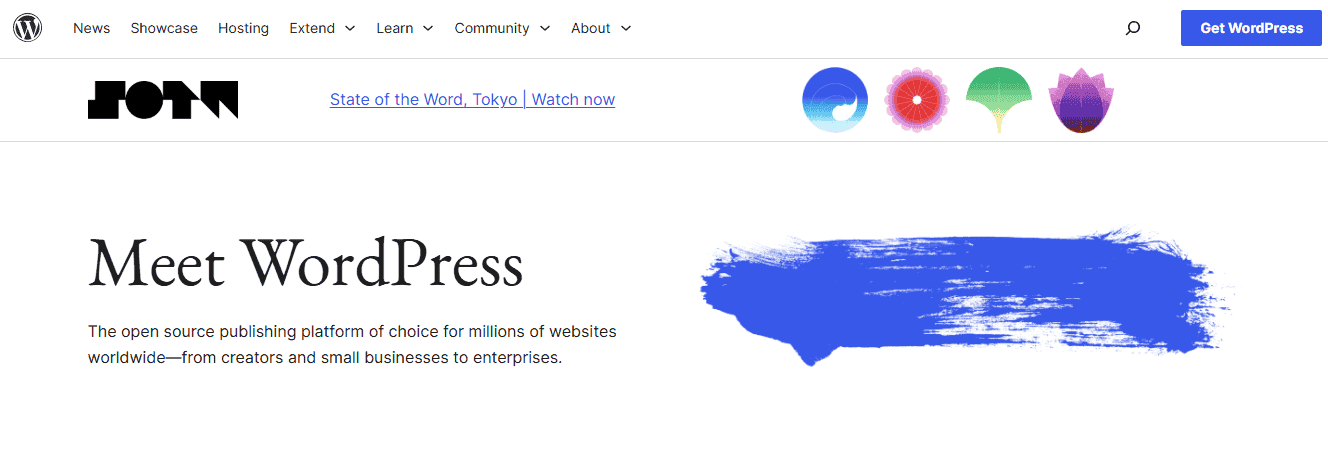
Let’s look at some areas where costs can accrue:
Domain Name: To make your site accessible on the internet, you need a domain name (e.g., www.yoursite.com). The cost typically ranges from $10 to $15/per year. Services like GoDaddy, HostArmada, and A2 Hosting offer domain registration services.
Web Hosting: Web hosting is essential for storing your website’s files and making them accessible online. Recommended web hosts include WPEngine, Pressable, Hostinger, and Kinsta. Costs vary widely based on host, service, and performance levels.
- Shared Hosting: Typically the most affordable, with costs ranging from $2.95 to $15/per month.
- VPS Hosting: Virtual Private Server hosting provides more resources and is priced upward of $49 per month.
- Dedicated Hosting: Offers the most resources and control, generally starting at around $199 per month or more.
Themes and Plugins: While many WordPress themes and plugins are free, premium options often offer better support and features. A premium theme can cost between $49 and $100. Whereas, depending on functionality and licensing, premium WordPress plugins can range from a few dollars to hundreds.
Security: Basic security measures might be included with your hosting, but advanced security can incur additional costs. Services like SSL certificates, WordPress security plugins, or third-party services might add to the total cost.
Maintenance and Performance: Optimizing your website for speed and functionality could require purchasing caching solutions. Or hiring WordPress site speed professionals to maintain the site, which can be a recurring or one-time cost.
Read: How to Maximize Your Website’s Performance and Security with a WordPress Retainer Plan
WordPress.com: The Hosted Alternative
WordPress.com provides a different path. While there is a free plan, it comes with significant limitations, such as ads, limited customization options, and restricted monetization.
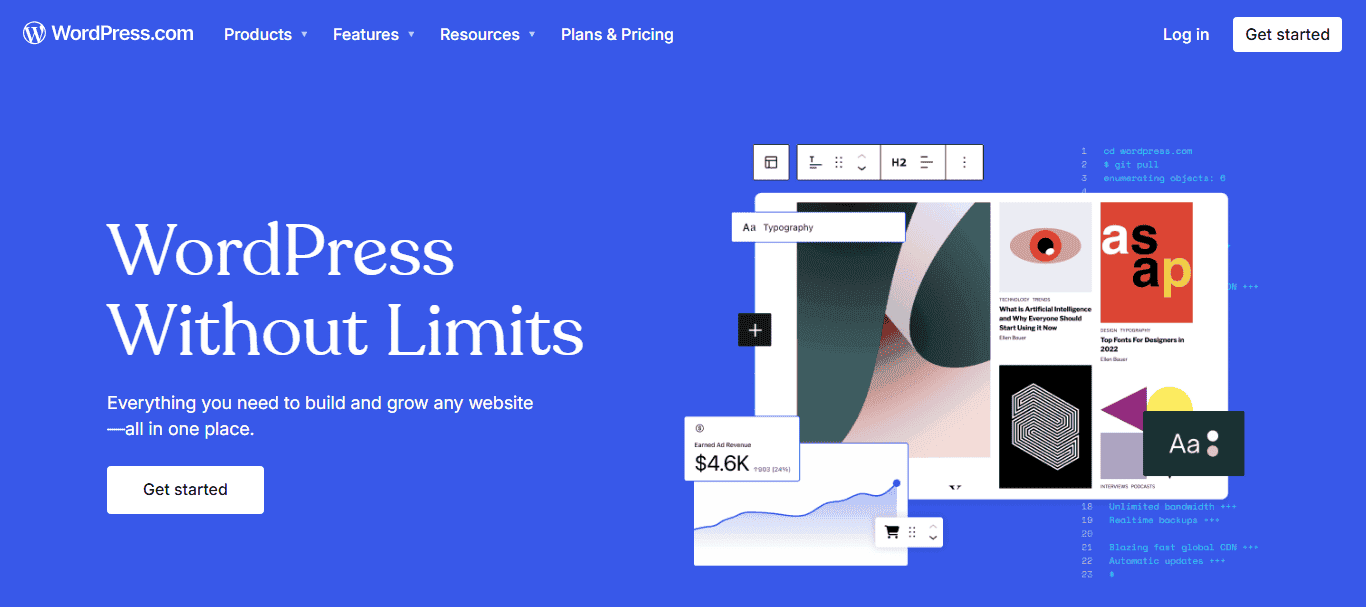
Here’s a breakdown of the WordPress.com plans:
- Free Plan: Offers basic functionality with ads and a WordPress-branded domain (e.g., yoursite.wordpress.com). Suitable for personal projects or hobby sites.
- Personal Plan: This plan costs approximately $4 per month and is billed annually. It removes ads and provides a custom domain.
- Premium Plan: This plan is priced at around $8 per month and includes advanced design tools, more storage, and the ability to monetize through ads.
- Business Plan: At about $25 per month, it offers even more features, including Google Analytics, custom plugins, and advanced theme customization.
- Ecommerce and VIP Plans: For extensive business needs, these plans provide robust features around $45 per month or more, suitable for heavy traffic and transactions.
Comparison Guide: WordPress vs Wix
Services Offered by WP Services
Are you looking to build a new WordPress website or seeking assistance to maintain your existing one? At WP Services, we offer a comprehensive range of solutions tailored to meet your needs. Here’s how we can help:
WordPress Website Development
We craft unique websites that reflect your business’s core values and identity. Our team works closely with you to deliver a website that not only meets your aesthetic preferences but also aligns with your business goals.

- Responsive Design: We make sure your website is fully responsive, providing a seamless and engaging experience for users across desktops, tablets, and smartphones.
- Theme Customization: If you have a theme in mind but want it tailored to better reflect your brand’s identity, we can modify and enhance any existing WordPress theme to meet your specific requirements.
Code Customization: Unraveling Custom Code in Elementor
E-commerce Solutions
Transform your WordPress site into a robust online store with our WooCommerce integration services. We handle everything from setting it up to customizing it for optimal sales performance.

- Payment Gateway Integration: Simplify transactions for your customers by integrating popular payment gateways like PayPal and Stripe. We ensure a smooth and secure checkout experience.
- Product Management: We assist in setting up and managing your product listings, inventory, and sales tracking, so you can focus on growing your business.
Perfect Fit: Optimizing Image Size in Elementor
WordPress Maintenance and Support
Updating your WordPress core, themes, and plugins is vital for security and functionality. We manage these updates to ensure your website runs smoothly and securely.

- WordPress Security Monitoring: Our team implements advanced website security measures and continuously monitors your site for vulnerabilities, protecting your business from potential threats.
- Backup Solutions: Data loss can be devastating. We establish reliable backup solutions to secure your website’s data and provide quick recovery options in case of any issues.
Ultimate Guide: WordPress Website Audit Service
SEO and Performance Optimization
Improve your visibility with our SEO services. We optimize your site’s structure and content to enhance rankings on search engines, driving more traffic to your site.

- Speed Optimization: Fast-loading websites lead to better user experiences and higher conversion rates. We employ actionable techniques to boost your site’s speed.
- Analytics Setup: Understanding your audience is key. We integrate tools like Google Analytics to offer insights into site traffic and user behavior, helping you make informed decisions.
What to Expect: Monthly WordPress Maintenance Plans
Technical Support and Troubleshooting
Technical issues can arise anytime. Our dedicated team offers 24/7 WordPress support to address any issues or questions you might have, ensuring minimal disruption to your business. We can also quickly identify and resolve any bugs or issues, maintaining your website’s functionality and performance.
Your One-Stop Solution for All WordPress Needs
Contact us today to discuss your project goals and discover how our tailored solutions can make a difference for your business.
- Connect Now
Hidden Expenses and Considerations
Beyond the obvious costs involving WordPress, there are several hidden expenses and considerations to keep in mind:
Time Investment
Creating a WordPress site from scratch involves multiple steps, including setting up hosting, selecting a theme, designing layouts, and adding content. This process can be time-consuming, especially for those new to WordPress, and may require learning new skills.
- Ongoing Maintenance: Regular updates to WordPress core, themes, and plugins are necessary to ensure security and functionality. This involves dedicating time to monitor updates and address any possible compatibility issues.
- Customization and Professional Assistance: For more complex needs, you might hire a WordPress developer or designer to customize your site. For instance, if you want a unique feature or specific design tailored to your brand, professional help can streamline the process, but it comes with a financial cost.
Licensing and Copyright
Using high-quality images can enhance your website’s appeal. While there are free resources like Unsplash, premium stock image sites like Shutterstock or Adobe Stock charge per image or offer subscription models.
- Fonts and Graphics: Some premium fonts and graphic elements require a license for commercial use. If your website heavily relies on distinctive fonts or graphics, purchasing licenses becomes necessary.
- Software and Tools: Some design software or plugins might have annual fees or per-user charges, adding to your expenses, especially if using professional-grade tools.
Ultimate Guide: Top Digital Asset Management (DAM) Software
Backup Solutions
While some hosts offer basic backup as a feature, comprehensive backup solutions provided by plugins like UpdraftPlus or BlogVault might require a premium version for full functionality. Also, saving backup copies on cloud services such as Google Drive or Amazon S3 might incur additional costs depending on your storage needs.
SEO and Marketing
Investing in SEO tools help in keyword research and monitoring SEO performance. These platforms often require a subscription but offer valuable insights for visibility improvement.
- Marketing Plugins and Campaigns: Plugins like AIOSEO or social media integration tools might necessitate premium versions for advanced features. Furthermore, running paid advertising campaigns on platforms like Google or Facebook can be expensive, depending on your audience and competition.
- Content and Social Media Management: Hiring marketing consultants or agencies to manage your SEO, content, and social media is another potential cost. Their expertise can significantly boost traffic and engagement, but it represents a substantial ongoing investment.
By considering these hidden expenses, you can avoid unexpected financial burdens and strategically allocate your budget.
Conclusion
While WordPress offers free, accessible software, building and maintaining a website can incur various costs, from hosting and domains to optional but often necessary themes and plugins. The choice between WordPress.org and WordPress.com hinges on your specific needs, budget, and desired level of control.
By understanding the potential expenses upfront, you can better plan your WordPress journey, ensuring no hidden surprises. With these tools and knowledge at your disposal, you can elevate your online presence, leveraging WordPress’s expansive potential to create a website that meets all your needs.
FAQs About Is WordPress Free
Is WordPress completely free to use?
While the WordPress.org software is free, you need to pay for hosting, a domain name, and optional themes & plugins for extended functionality.
What are the hidden costs associated with WordPress?
Hidden costs can include time investment, security measures, premium themes/plugins, backups, and professional site maintenance services.
How much should I expect to spend to build a WordPress site?
It depends on your requirements. A basic site may cost around $499 to $999, while advanced business sites could cost several hundred to thousands of dollars.
Are all WordPress themes free?
Not all WordPress themes are free. While there are many free options available, premium themes are often more feature-rich and better supported.
Do I need coding skills to use WordPress?
Basic WordPress use requires no coding skills. Its user-friendly interface allows customization using a drag-and-drop editor and various plugins. However, coding knowledge can help with advanced customization.

