The search for the right page builder is a defining moment for any developer or business site owner. In the vast world of WordPress, two names have consistently remained at the forefront: Beaver Builder and WPBakery Page Builder. Both builders have shaped the way we approach web design, offering designers the ability to create stunning sites without needing deep programming skills.
Whether you are building landing pages for a marketing campaign or managing complex client sites, the choice between Beaver Builder and WPBakery will impact your workflow, site speed, and design flexibility. This guide offers a comprehensive overview of these popular page builders, helping you make an informed decision.
Overview: Beaver Builder vs WPBakery Comparison for WordPress Designers
When examining the popularity of WordPress plugins, WPBakery Page Builder and Beaver Builder are frequently cited as industry staples. They both aim to simplify the content creation process, but their approach and feature set differ significantly.
WPBakery (formerly Visual Composer) is a pioneer in the WordPress space. It is known for its frontend and backend editing capabilities, providing a layout that is both familiar and powerful. On the other side, Beaver Builder is often praised for its simplicity and clean code, making it a favorite for agencies that prioritize reliability and performance.
| Feature | WPBakery Page Builder | Beaver Builder |
| Editor Type | Frontend and Backend | Frontend (Live) |
| Pricing Model | One time (Lifetime updates) | Annual Subscription |
| AI Integration | Built-in WPBakery AI | Third-party limited |
| SEO Tools | Built-in SEO toolkit | Theme dependent |
| Ease of Use | Moderate learning curve | High usability |
Understanding WordPress Page Builders and Their Role in Modern Web Design
In modern web design, a WordPress page builder is no longer just an addition; it is a necessity. It serves as the foundation for content management, allowing individuals to bypass the limitations of the standard Gutenberg Editor or the older block editor.
What is a WordPress Page Builder and How It Works
A page builder plugin acts as a visual layer over your WordPress theme. Instead of writing HTML or CSS from scratch, you use a drag-and-drop interface to place elements like images, text blocks, and buttons into a grid.
These tools translate your visual changes into code behind the scenes. This allows anyone to see real-time previews of their pages as they build them. This editing experience is what makes modern page builders like WPBakery so user-friendly.
Why Choosing the Right Page Builder Matters for SEO and Performance
Your choice of builder affects more than just appearance. It impacts performance, which is a critical factor for search engines. Some builders can cause performance issues if they produce heavy code output.
- Speed: A site that takes too long to load will lose visitors.
- SEO: Search engines like Google favor clean code and fast sites.
- Stability: Regular updates ensure your WordPress website stays secure and compatible with other plugins.
Ready to Build or Redesign Your WordPress Website the Right Way?
Our experts help you choose and implement the right page builder, redesign your website, and create high performing WordPress experiences that convert visitors into customers.
Beaver Builder vs WPBakery: Features, Performance, Pricing, and Use Cases
To truly understand the differences between these two software giants, it is essential to detail their core capabilities and how they operate in a live project environment.
What is Beaver Builder and WPBakery Page Builder
WPBakery Page Builder is a feature-rich drag-and-drop builder that has been around for over a decade. It is often bundled with ThemeForest WordPress themes, contributing to its massive audience. It offers a backend editor for those who prefer a schematic view, as well as a frontend editor for visual design.
Beaver Builder is a site builder focused on speed and ease. It provides a frontend editing experience that is snappy and consistent. While it has fewer built-in design elements than WPBakery, its stability is legendary among web developers.
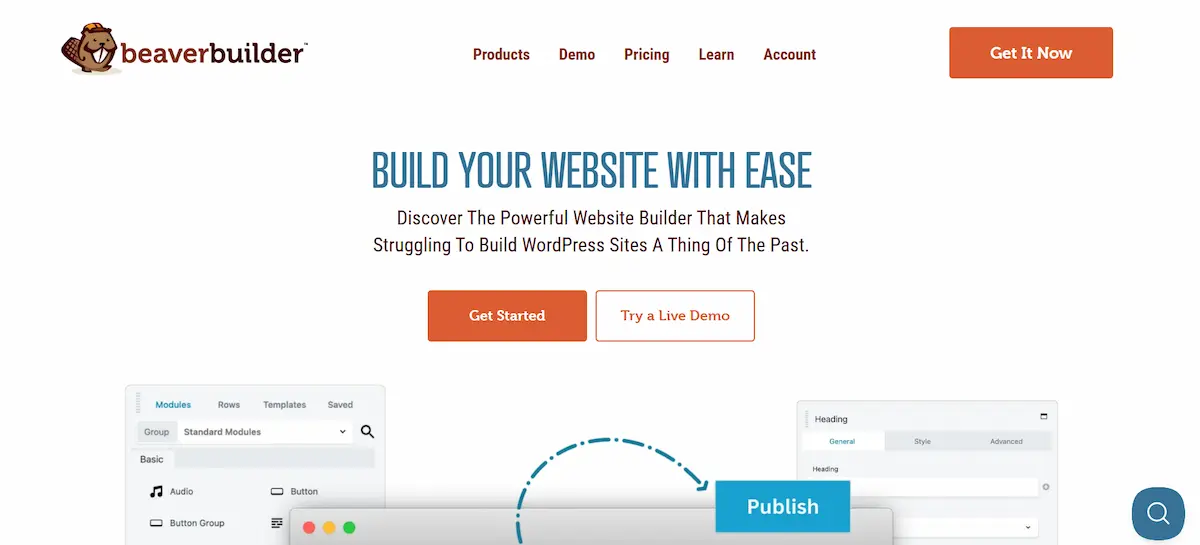
Core Features Comparison of Beaver Builder and WPBakery
WPBakery stands out with its array of 50+ content elements and a template library that features over 100 made templates. One of its most significant advantages is the Auto Shortcode Mapper, which lets you access any third-party shortcodes as content blocks.
Beaver Builder offers a solid feature set, including a theme builder (Beaver Themer) and WooCommerce support. However, it often requires add-ons or extensions to match the sheer number of styling options found in WPBakery.
Ease of Use and User Interface Experience
The user interface (UI) is where most beginners find their answers.
- WPBakery: Offers two editors. The backend is great for structural building, while the frontend allows for real-time customization. It might have a slight learning curve due to the sheer volume of options, but it remains very intuitive.
- Beaver Builder: Focuses on a clutter-free interface. It feels very lightweight, though some users might find the limited default elements a bit restrictive for complex dreams.
Design Flexibility and Customization Capabilities
Design flexibility is where WPBakery truly shines. With WPBakery, you can tweak colors, padding, and fonts with extreme precision. The Skin Builder allows you to create a customized blend of styles that perfectly align with your brand identity.
Beaver Builder offers excellent design possibilities, but it adheres to a more rigid system. While it handles responsive design well, you might find yourself needing more custom CSS to achieve the same level of customization that WPBakery offers out of the box.
Performance, SEO, and Code Quality Comparison
Performance is a lot more than just a buzzword.
- WPBakery: In the past, people worried about shortcodes. However, the modern version is highly optimized. With the built-in SEO toolkit, you can track your progress and manage meta tags directly in the editor.
- Beaver Builder: Known for clean code and reliability. It rarely suffers from compatibility issues, making it a safe choice for high-stakes client sites.
Theme and Plugin Compatibility in WordPress
Both builders work with almost any theme. However, WPBakery has a distinct advantage in this regard. It is designed to be “theme agnostic,” meaning it won’t break your layout even if you change your WordPress theme later. It also features 100% compatibility with WooCommerce, ACF, and Contact Form 7.
Developer Friendly Features and Custom Code Support
For a developer, the ability to extend a plugin is a necessity.
- WPBakery API: Offers a wide range of options for developers to create custom elements. It utilizes familiar technologies such as Bootstrap and LESS.
- Beaver Builder: Also developer-friendly with a well-documented hook system. It enables the creation of custom modules with minimal effort.
Pricing Plans, Licensing Models, and Long-Term Value
Pricing is often the deciding factor.

WPBakery Pricing:
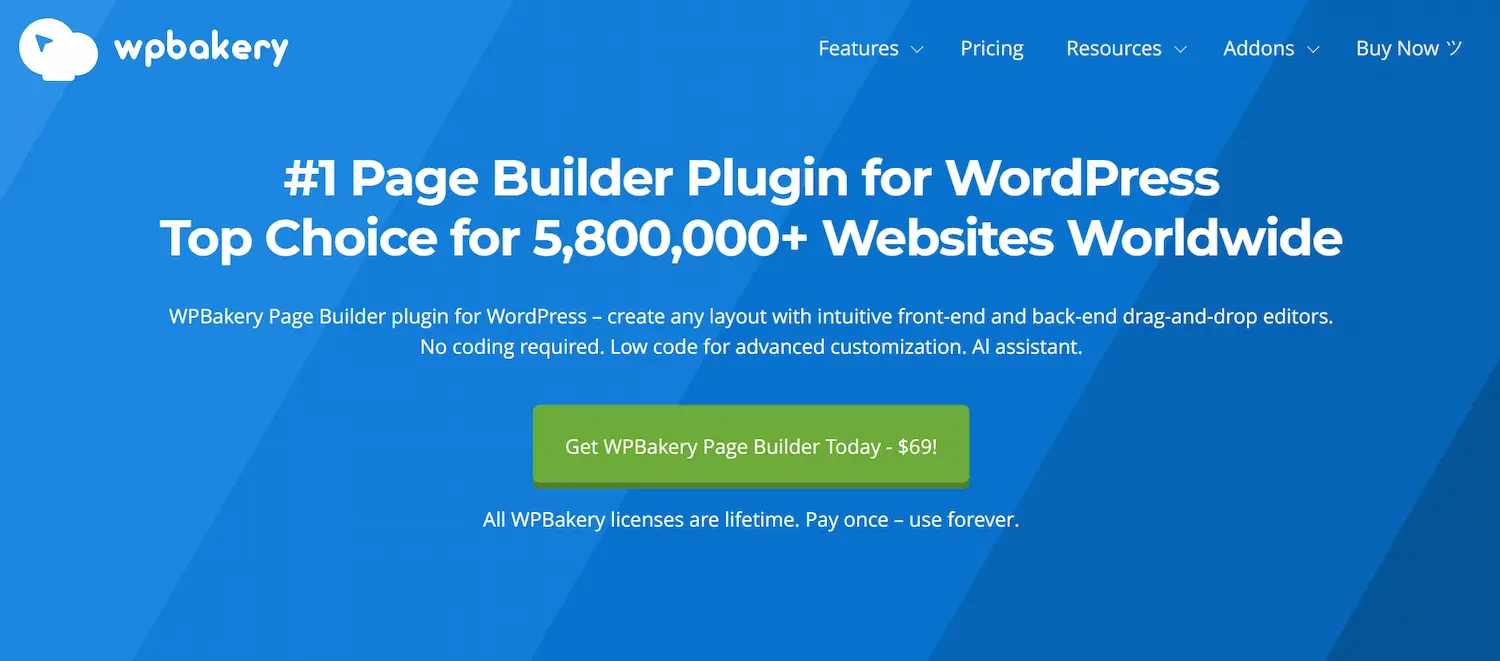
- Regular: $69/lifetime for one site. This is a one-time purchase that includes lifetime updates.
- 5 Sites: $256/lifetime.
- 10 Sites: $499 (lifetime).
- Support Plus: A subscription for priority support and extra add-ons like Templatera.
Beaver Builder Pricing:
- Starter: $89 per year (one site).
- Plus: $179 per year (3 sites).
- Professional: $299 per year (50 sites).
- Unlimited: $546 per year.
While Beaver Builder requires annual updates to keep access to support, WPBakery offers incredible value with its lifetime license. Pay once, use forever.
Beaver Builder vs WPBakery Use Case-Based Recommendations
Choosing between these builders often depends on your specific needs.

When to Choose Beaver Builder for WordPress Website Design
Choose Beaver if you are an agency that values a minimalist workflow and needs a very stable solution. It is an excellent choice for professionals who don’t mind a subscription model and want clean code output above all else.
When to Choose WPBakery Page Builder for WordPress Websites
Choose WPBakery if you want a feature-rich experience with AI capabilities and a built-in SEO toolkit. It is the best choice for:
- Freelancers who wish to make a one-time purchase to reduce costs.
- Designers who need unlimited design options and a variety of add-ons.
- Anyone who wants the power of WPBakery AI to generate content and code on the fly.
Beaver Builder vs WPBakery for Beginners, Freelancers, and Agencies
For beginners, the ease of WPBakery is a game-changer. The drag and drop editor and template library allow you to launch a WordPress site in minutes. You don’t need coding knowledge, and the video tutorials provide all the help you need.
Freelancers often prefer WPBakery because of its lifetime updates. It makes financial sense when managing many clients. Additionally, the Role Manager allows you to control what your clients can edit, preventing accidental mistakes.
Agencies might look at both. Beaver Builder offers white labeling on its higher plans, but WPBakery’s Agency Program provides bulk license purchase options and priority agency support, making it a formidable competitor.
Conclusion: Choosing the Best WordPress Page Builder for Your Workflow
In the comparison of Beaver Builder vs WPBakery, there is no single “winner”; instead, the best fit is determined by your workflow. Beaver Builder is a reliable software with a focus on simplicity. However, WPBakery Page Builder remains one of the most powerful and versatile tools on the market.
With its intuitive frontend and backend editors, WPBakery offers a level of flexibility that is hard to beat. Its pricing model is a significant advantage for those seeking long-term value. Whether you’re a developer or a beginner, WPBakery provides the elements, AI, and SEO tools necessary to turn your web design dreams into results.
FAQs About Beaver Builder vs WPBakery
Which page builder is better for beginners, Beaver Builder or WPBakery?
Professional web designers widely use both page builders. Beaver Builder is often chosen for its clean workflow and real-time visual editing. WPBakery is preferred by designers who work with advanced layouts and theme-based projects. The best choice depends on design needs and long-term project goals.
Is Beaver Builder or WPBakery better for SEO friendly WordPress websites?
Both builders support SEO friendly practices when used correctly. They allow structured layouts, optimized content placement, and compatibility with popular SEO plugins. Proper hosting, caching, and content strategy matter more than the builder itself.
Can beginners use Beaver Builder and WPBakery without coding knowledge?
Yes. Both tools offer drag-and-drop editing, eliminating the need for coding knowledge. Beginners can easily create pages, landing pages, and layouts using pre-built elements and templates.
Do Beaver Builder and WPBakery work with most WordPress themes and plugins?
Both builders are compatible with most WordPress themes and plugins. They integrate well with WooCommerce, contact forms, and popular optimization tools, making them suitable for blogs, business sites, and online stores.
Which page builder is better for long-term website growth and scalability?
Both Beaver Builder and WPBakery support scalable website development. They allow easy updates, content expansion, and design enhancements as a website grows. The right choice depends on workflow preferences and the project’s complexity.