


WordPress powers a massive percentage of the internet. For years, building a custom WordPress site meant mastering code like HTML, CSS, and PHP. This requirement often made web design inaccessible to many business owners and casual users. Today, however, top WordPress visual page builders have revolutionized this process.
These WordPress page builders are powerful tools. They let users create stunning, custom layouts without writing a single line of code. They replace complex back-end editors with an intuitive, real-time, drag-and-drop interface.
Choosing the best WordPress page builders is a crucial step for your future WordPress website. It determines your site’s design flexibility, performance, and overall user experience.
This comprehensive guide will explore the leading options, their unique features, and how to select the right WordPress page builder for your specific needs.
What Makes a WordPress Visual Page Builder Effective
A page builder plugin transforms the standard WordPress editor experience. It provides a visual drag-and-drop editor that allows you to see your changes instantly.

This live editing capability significantly accelerates the design process. An effective visual builder is more than just a set of tools; it’s an environment that simplifies and empowers the creation process.
Here are the core characteristics of an effective builder plugin:
- Real-time Visual Editing: The ability to edit content and design directly on the front end of your WordPress site. This is the essence of a visual editor.
- Intuitive Drag and Drop Functionality: The core feature that allows users to easily add, move, and arrange content elements. This makes the drag-and-drop interface accessible even to beginners.
- Performance and Clean Code: The page builder must generate lean, optimized code. This ensures your WordPress pages load quickly, which is critical for both user experience and SEO.
- Responsiveness: All layouts created must have fully responsive design controls. They need to look perfect on desktops, tablets, and mobile phones automatically.
- Theme Compatibility: The builder should work well with the majority of WordPress themes. It should not be limited to a single theme framework.
The original WordPress block editor (Gutenberg) introduced blocks. While an improvement, top page builder tools often offer more comprehensive and robust drag-and-drop functionality for creating complex custom layouts and full-site designs.
Transform Your WordPress Website with Expert Redesign Services
Upgrade your site using influential WordPress page builders and conversion-focused design that improves performance, user experience, and results.
Key Features to Compare in Leading WordPress Page Builders
When evaluating the top WordPress visual page builders, compare their specific features. These details will determine which one is the best fit for your projects.
Design and Layout Features
- Template Library and Pre-built Designs: A vast collection of page templates and full professionally designed templates or kits saves significant development time. Look for a strong template library.
- Elements/Modules/Widgets: These are the building blocks of your content. A robust WordPress page builder offers a wide range of elements, from introductory text and images to complex features like contact forms, pricing tables, and media carousels.
- Theme Builder Functionality: This advanced feature allows you to design every part of your entire website. This includes custom headers, footers, post archives, and even layouts for custom post types.
- Global Styling: The ability to set colors, fonts, and styles once and apply them everywhere. This ensures brand consistency across your whole WordPress website.
Advanced Functionality
- Custom CSS and Code Control: For experienced WordPress users or developers, injecting custom CSS provides vital control and allows for advanced styling.
- E-commerce Integration: Seamless and deep integration with WooCommerce is essential for online stores. This often includes dedicated product elements.
- Conversion-Focused Tools: Features such as built-in A/B testing, timers, and dedicated pop-up builder modules are essential for creating high-converting landing pages and sales pages.
Performance and Usability
- User-Friendly Interface: The drag-and-drop interface must be clean, fast, and easy to navigate. This is especially important for beginners and to maximize efficiency.
- Speed Optimization: A lightweight codebase that prioritizes loading speed. The fastest WordPress page builder will always have an advantage in SEO.
- Pricing and Licensing: Many page builder plugin options offer a free version or a free page builder. Premium plans vary widely, some offering unlimited site licenses, which are ideal for agencies or freelancers managing client sites.
Leading WordPress Visual Page Builders
The market for the best WordPress page builders is highly competitive. Each tool offers a unique balance of features, performance, and user experience.
Elementor Visual Page Builder Overview
Elementor is arguably the most popular page builder on the market. It offers a powerful and flexible drag-and-drop builder loved by both beginners and professionals.
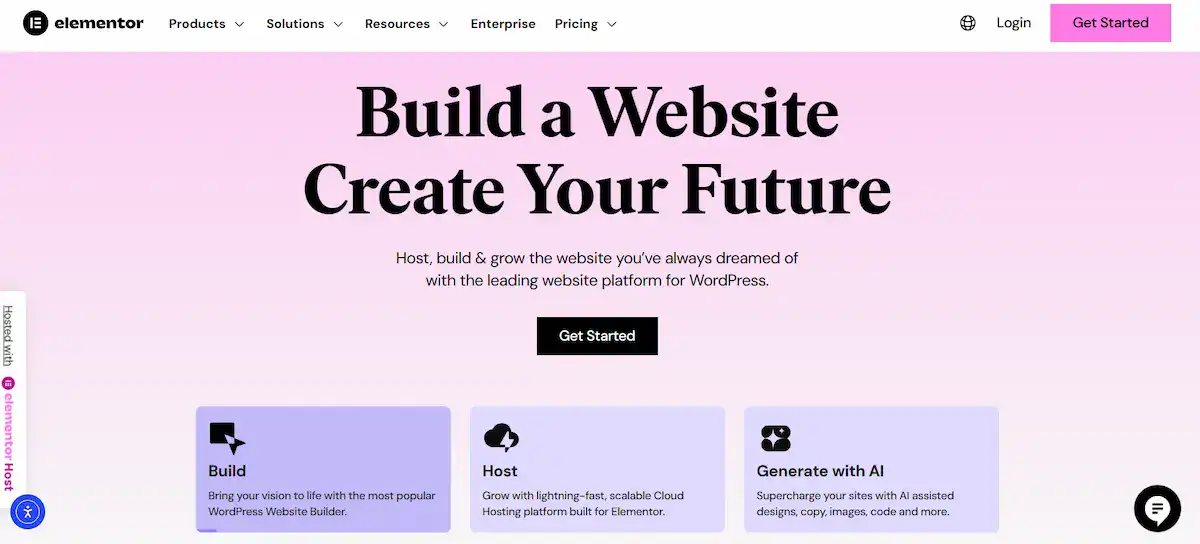
Elementor provides a free version that is highly functional. However, the premium Elementor Pro unlocks the full theme builder capability, an extensive template library, a pop-up builder, and more advanced widgets.
Its expansive third-party add-on ecosystem extends its power even further. Elementor provides excellent drag-and-drop WordPress functionality and is known for its live editing experience.
Divi Visual Builder from Elegant Themes
Divi is an all-in-one package. It comes as a stand-alone builder plugin or as the core of the powerful Divi Theme. Divi’s visual editor features a unique interface with floating control elements, allowing for an incredibly flexible design process.
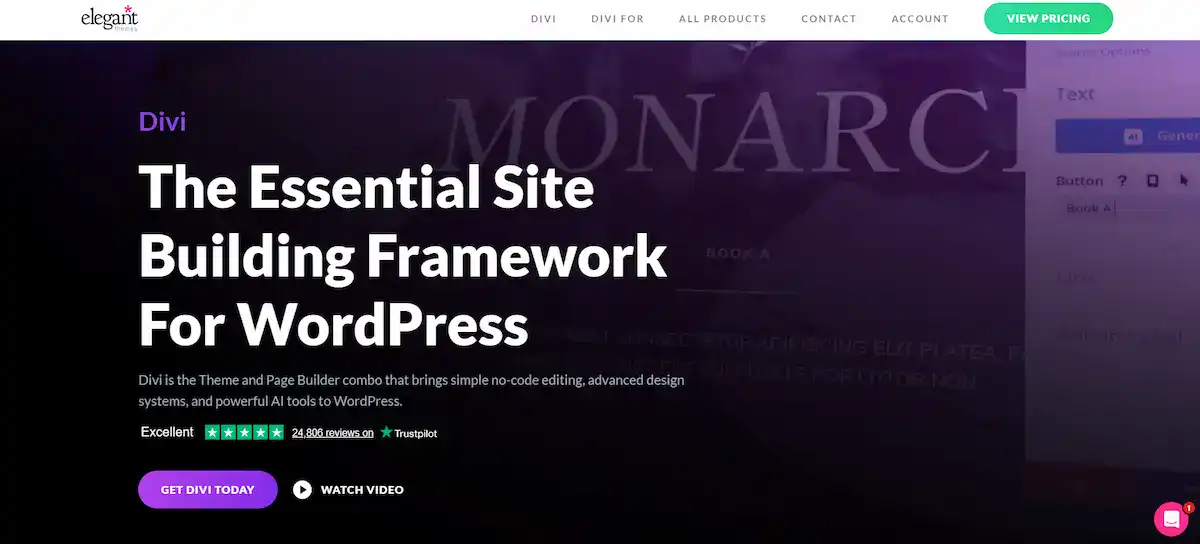
Divi stands out for offering extensive pre-made custom layouts and features a unique, built-in A/B split-testing tool that marketers use to create effective landing pages.
Elegant Themes’ pricing model is a significant draw, offering access to Divi and all other WordPress page builders and themes for a single yearly or lifetime fee, applicable to unlimited sites.
Beaver Builder Front End Page Builder
Beaver Builder stands out in the realm of WordPress page builders for its impressive stability, clean code, and developer-friendly approach. Many agencies rely on it for crafting client websites, thanks to its robust features and ease of use.
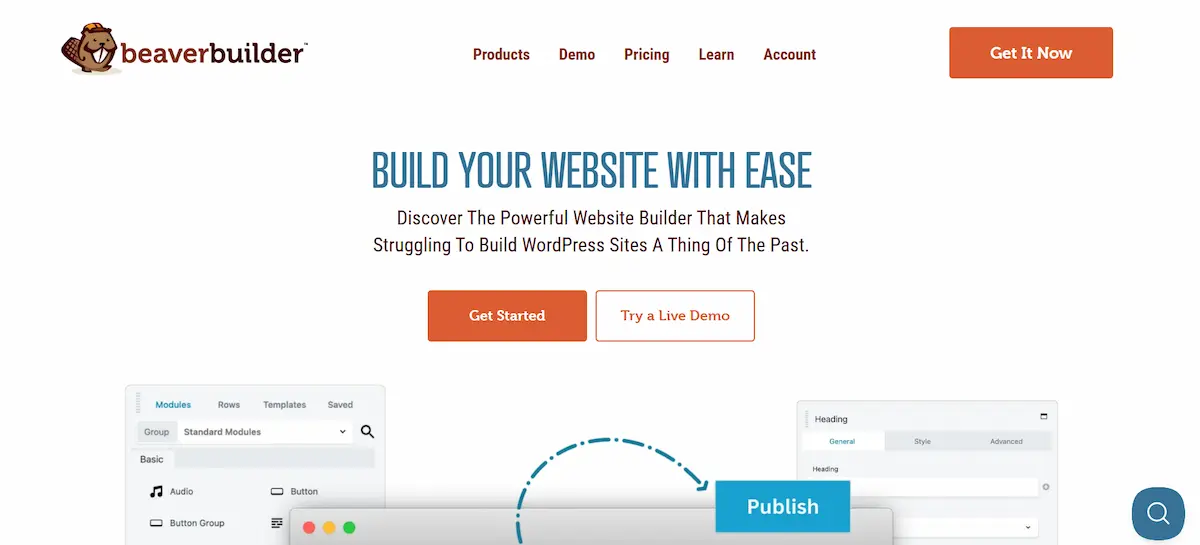
It features a simple, fast front-end drag-and-drop page builder interface. While perhaps offering fewer flashy features than some competitors, its focus on performance and reliability makes it a favorite.
To unlock full theme builder capabilities (headers, footers, etc.), users need the premium Beaver Themer add-on. This makes it a serious contender among the top WordPress page builders.
WPBakery Page Builder for WordPress
WPBakery Page Builder is one of the oldest in the space. It was formerly known as Visual Composer and is often bundled with most WordPress themes sold on marketplaces like ThemeForest. It provides both front-end and back-end editing.
While very popular due to its bundling, some WordPress users find its visual editor less intuitive than newer builders, such as Elementor or Divi. It remains a viable choice, but newer builders often surpass it in terms of performance and ease of use. This is a common situation with many other page builders in the market.
SeedProd Landing Page and Theme Builder
SeedProd is specifically designed for speed and conversion. It started as a popular landing page builder for maintenance mode pages. It has since evolved into a complete WordPress theme builder.

SeedProd excels at creating fast, high-converting sales pages and launch pages. Its core focus is performance, making it one of the fastest WordPress page builder options available. It’s an ideal builder plugin for marketers who need quick, conversion-optimized pages, and is a rising star among the best page builders.
Breakdance Visual Site Builder
Breakdance is a newer contender built for modern web design. It focuses on generating immaculate, lightweight code for superior performance and aims to offer the power of a theme builder without the bloat.
It provides a full visual builder experience and deep integration with the standard WordPress theme system. Breakdance includes all features, including form building and e-commerce, within its core offering. This makes it a compelling choice for developers and those prioritizing speed.
Thrive Architect from Thrive Themes
Thrive Architect is a conversion-focused WordPress page builder. It is part of the larger Thrive Suite of marketing tools. This page builder is built from the ground up to help users generate leads and increase sales.
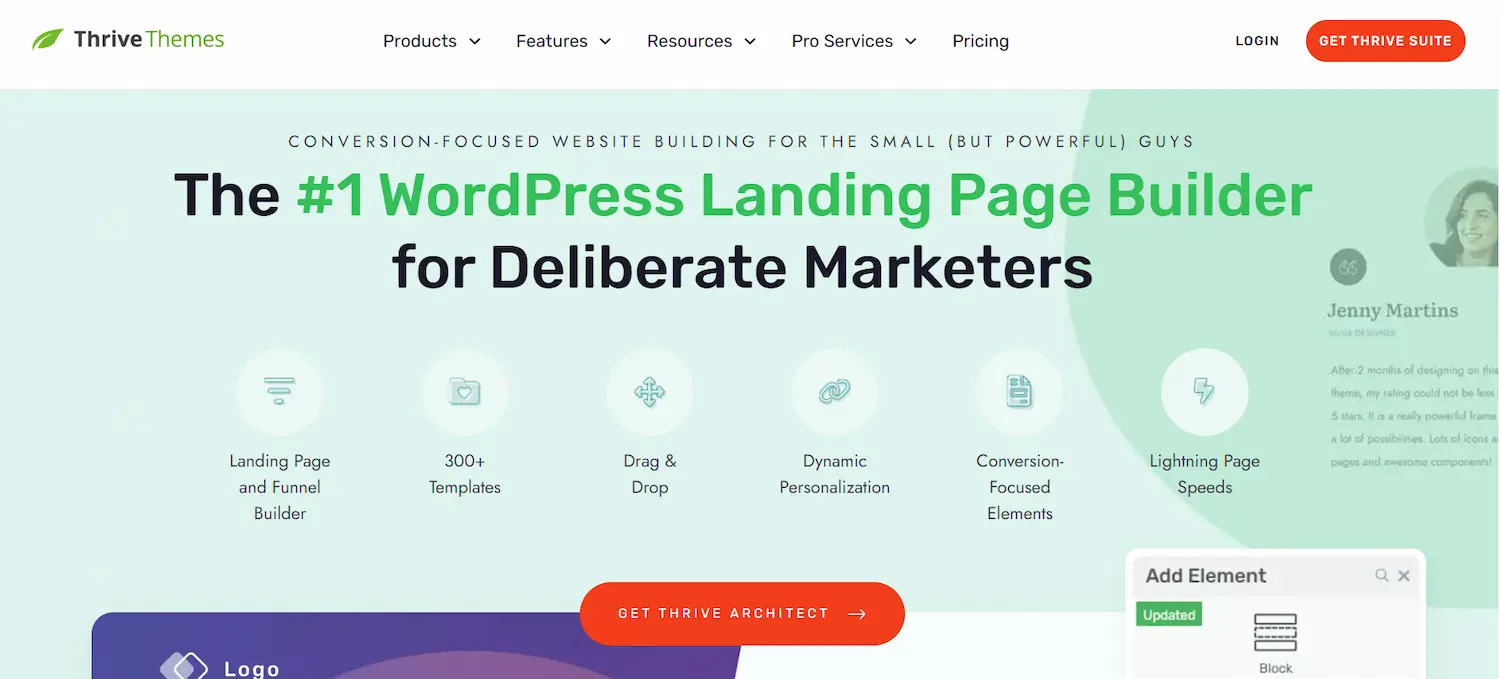
Its features include conversion-focused blocks, landing page templates designed for performance, and tight integration with its own A/B testing and lead generation tools.
While it can build any WordPress site, it truly shines when creating sales pages, opt-in forms, and marketing funnels. This is the right page builder for conversion optimization.
Greyd Visual Builder and Theme Framework
Greyd is a full-site editing solution built around the native WordPress block editor (Gutenberg). It expands Gutenberg’s capabilities into a powerful, comprehensive visual builder and theme builder.
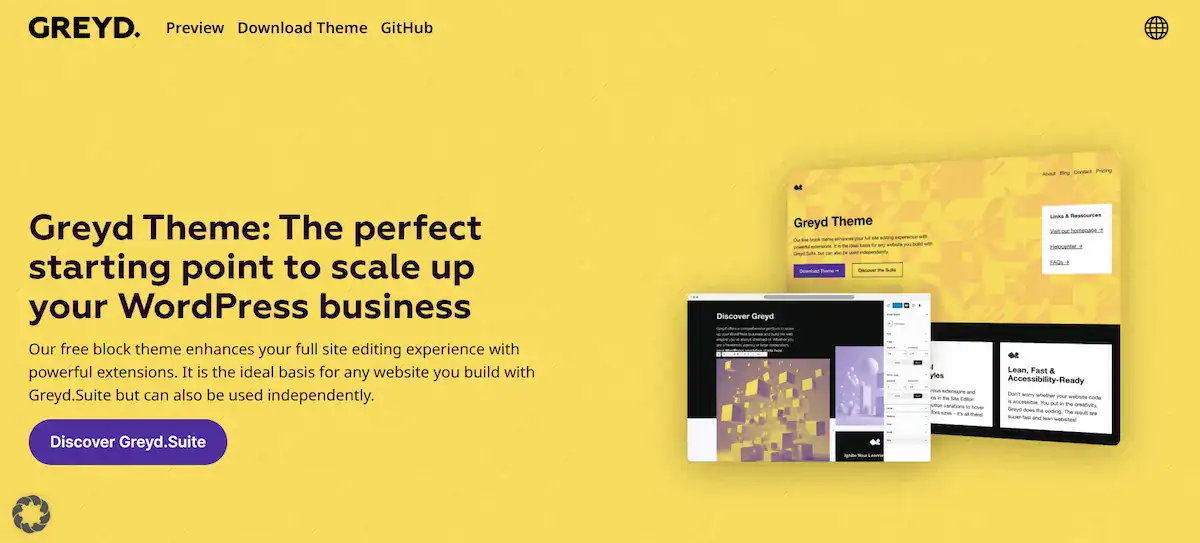
It focuses on using the core WordPress block editor interface. This makes it a future-proof choice as WordPress continues to develop the native editor. It’s a good option for WordPress users who want a robust WordPress page builder experience without completely abandoning the native WordPress environment.
Crocoblock JetThemeBuilder for WordPress
Crocoblock is a suite of builder plugin add-ons. It is primarily designed to extend the capabilities of Elementor Pro. Its JetThemeBuilder component is a powerful addition for creating dynamic custom layouts and complex structures.
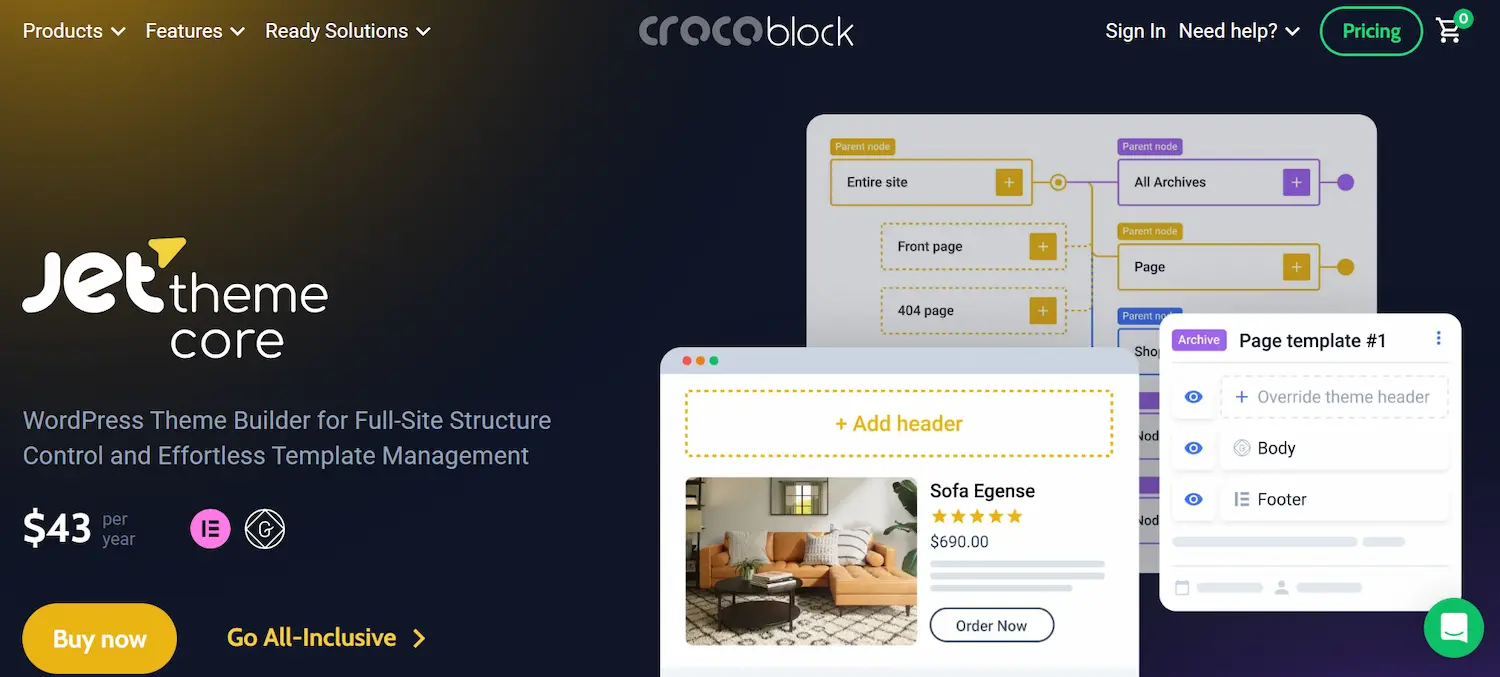
Crocoblock is aimed at experienced WordPress users and developers. It helps them build complex, data-driven WordPress pages and custom themes. If you use Elementor but need a deeper layer of dynamic content control, this set of extensions for other page builders is invaluable.
Spectra Page Builder for WordPress
Spectra is another page builder that enhances the WordPress block editor. It is created by the team behind the popular Astra theme. Spectra adds a rich set of advanced features and blocks to Gutenberg.

It focuses heavily on performance and is marketed as an all-in-one, lightning-fast website builder tool. It helps WordPress users build entire website structures, including headers and footers, using only the native block editor as a foundation.
How to Choose the Right WordPress Visual Page Builder
Selecting the right WordPress page builder depends entirely on your goals, budget, and skill level.
Determine Your Skill Level:
- Beginner: Look for the easiest WordPress page builder with an intuitive, drag-and-drop builder and a clean, user-friendly interface. Elementor’s free version or SeedProd are great starting points.
- Experienced User/Agency: You need advanced features, theme builder capability, and a license for unlimited sites. Divi’s lifetime plan or Beaver Builder’s stability are excellent choices.
Define Your Primary Goal:
- Maximum Design Control: Elementor or Divi provides the most extensive creative freedom for complex custom layouts and web design.
- Speed and Conversions: Thrive Architect and SeedProd specialize in high-performance landing pages and sales pages. They offer built-in conversion features.
- Developer/Clean Code: Beaver Builder and Breakdance are known for producing cleaner code, which is better for long-term maintenance and performance.
Evaluate Performance and SEO:
- The best page builders are built with speed in mind. Faster load times directly impact SEO. Builders like Breakdance, Spectra, and SeedProd aggressively optimize their code output.
- The builder must also be compatible with top SEO plugins, such as Yoast SEO and Rank Math.
Consider the Ecosystem and Price:
- Do you require a comprehensive template library and numerous third-party add-ons? Elementor has the largest ecosystem.
- Are you building many client sites? Look for a premium page builder with an unlimited sites license, like Divi or Beaver Builder’s agency plans. The availability of a free WordPress page builder is also an excellent factor for testing.
Remember that not all page builders are created equal. Some create “shortcode lock-in.” This means if you deactivate the page builder plugin, your content becomes a mess of shortcodes.
Top builders are moving away from this, but it’s still something to check. The better ones, such as Beaver Builder and Gutenberg-focused builders, strive to leave behind cleaner code.
Final Thoughts on Choosing the Best WordPress Visual Page Builder
The rise of top WordPress visual page builders has fundamentally changed web design. They empower WordPress users to take complete control of their WordPress website design, moving far beyond the limitations of a standard WordPress theme system.
Whether you are building professional client sites, personal blogs, or high-converting landing pages, there is a page builder tailored for your success.
Elementor offers design freedom, Divi provides an all-in-one value, and Beaver Builder promises stability and clean code. Newer options, such as Breakdance and Spectra, push the boundaries of performance and modern block editor integration.
By carefully considering the key features, from the simplicity of the drag-and-drop interface to the necessity of theme builder functionality and responsive design controls, you can choose the tool that will unlock your full creative potential. Select a robust WordPress page builder that aligns with your specific goals.
FAQs About the Best WordPress Visual Page Builder
What are the best WordPress page builders for creating custom layouts?
The best WordPress page builders let you design custom layouts without code. Elementor, Divi Builder, Beaver Builder, WPBakery, SeedProd, Breakdance, Thrive Architect, Greyd, Crocoblock, and Spectra offer visual controls, flexible widgets, and layout precision for modern web pages.
How do WordPress page builders compare with the WordPress block editor?
The WordPress block editor works well for basic content. Most page builders offer more in-depth layout control, advanced styling, and a genuine WordPress theme builder experience. This makes them better suited for complex WordPress website designs.
Are WordPress page builders suitable for complete website creation?
Yes. A WordPress website builder, such as Elementor, Divi, or Breakdance, supports full-site editing. You can design headers, footers, and dynamic templates using a visual site editor, rather than relying solely on themes.
Do page builders affect website performance and SEO?
Most page builders are optimized for speed when used correctly. Clean layouts, limited addons, and innovative use of custom layouts help maintain performance. Many of the best page builder plugins are SEO friendly by default.
Can beginners use WordPress page builders easily?
Yes. Most page builders use a drag-and-drop WordPress page interface. Visual editing makes building web pages simple, even for users transitioning from traditional website builders or older tools like Visual Composer.

