


Slow websites frustrate visitors, leading to higher bounce rates and lower conversions. Site speed is also a major factor in Google’s search ranking algorithms, which makes using rank tracking software important to understand performance impact. That’s why testing your website’s speed and optimizing your site based on real data is crucial. Thankfully, there are many site speed test tools available to help you analyze, monitor, and improve your site’s performance.
Whether you’re running an e-commerce store, a blog, or a corporate site, your website’s loading time plays a critical role in how users interact with your brand. In this guide, we’ll explore the 20 best site speed test tools you can start using today.
Understanding Site Speed and Performance
Before we jump into the tools, it’s important to understand what site speed really means. Site speed refers to how quickly your web pages load and become interactive for users. It’s measured using Core Web Vitals metrics like:
- Largest Contentful Paint (LCP): Measures the loading performance and assesses how long it takes to load the main content of the page. Ideally, it should occur within 2.5 seconds of when the page first starts loading.
- Interaction to Next Paint (INP): Analyzes responsiveness and measures how quickly a page responds to user interaction. It reflects the delay experienced by users when interacting with the page.
- Cumulative Layout Shift (CLS): Assesses visual stability by measuring the amount of unexpected layout shifts of visible page content. A good score is less than 0.1.
Good site speed leads to better user experiences, higher engagement, and ultimately, more conversions. Moreover, fast-loading websites perform better in SEO, helping you climb higher in Google search results. In short, if you want your website to succeed, optimizing its speed is important.
Check out: Why Speed is Crucial for Your WordPress Site
Choosing the Best Site Speed Test Tool
With so many tools out there, how do you pick the right one? Choosing the right tool depends on your goals.so answer these questions.
- Are you looking for a quick, free check?
- Do you need advanced diagnostics for deep optimization?
- Or are you focusing on mobile performance specifically?
Next, when selecting a site speed test tool, look for:
- Accuracy: Select a tool that offers reliable and consistent results.
- Ease of use: Simple interfaces are more effective in a speed test tool.
- Comprehensive reports: Pick a website speed test tool that offers detailed insights for improvement.
Sometimes, it’s smart to use more than one tool. This way, you get a well-rounded view of your website’s performance.
Know more: How to Improve Website Speed and Performance
Advanced Site Speed Testing Features
Many site speed test tools now offer advanced features beyond just simple load time measurements. Some features to look for include:
- Multi-location testing: Test from different parts of the world.
- Device simulation: See how your website performs on various devices.
- Real-time monitoring: Get alerts if your site slows down.
- Optimization suggestions: Actionable tips to fix issues.
Using tools with these features can help you stay proactive about your site’s performance and deliver a better experience to your users.
Read about: How to Monitor and Analyze Your WordPress Website’s Performance
List of Top Site Speed Test Tools
Here is a list of the most popular website speed test tools, which are excellent for beginners, website owners, and developers who want to check their site’s performance.
Best Free Tools for Quick and Easy Testing
When you’re just starting with website speed optimization, using free tools can be an excellent way to get valuable insights without investing in expensive software.
Free site speed test tools provide quick, reliable snapshots of your website’s performance, helping you identify key issues such as load times, file sizes, and server response delays. Here are some of the best free test and tools available:
1. Seahawk’s Best Website Speed Test Tool
Seahawk’s speed test tool is built with technical SEO professionals in mind. It’s completely free to use and highlights speed issues in minutes compared to other tools.
Unlike basic tools that highlight only surface-level issues, Seahawk’s tool dives deeper, analyzing real-world user field data and uncovering optimization opportunities often missed by standard speed tests. It is especially useful for those seeking actionable insights that align both performance and search engine best practices.
2. Google PageSpeed Insights Test
Google PageSpeed Insights is arguably the most popular site speed testing tool on the internet. It analyzes both lab data (simulated environments) and field data (real-user metrics) to deliver a comprehensive performance report.
Not only does it highlight critical areas that need improvement, but it also scores your website separately for mobile and desktop devices. This dual-scoring approach ensures that your site is optimized for all users, regardless of their device.
3. Pingdom Website Speed Test
Pingdom’s Website Speed Test offers a highly user-friendly interface, making it a favorite among beginners and intermediate users alike. It focuses on essential metrics such as load time, page size, and the number of HTTP requests your site makes.
In addition, Pingdom provides easy-to-understand performance grades and a breakdown of elements that may slow down your website. It’s an excellent starting point for anyone looking to quickly assess their site’s overall performance.
4. GTmetrix Page Speed Test (Free Version)
GTmetrix stands out by combining the power of Google Lighthouse with its proprietary performance analysis, offering a well-rounded view of your website’s speed and optimization status.
Even in its free version, GTmetrix provides detailed insights, including waterfall charts, structure scores, and specific improvement recommendations. Furthermore, its clean and intuitive dashboard makes it easy for users to identify problem areas and prioritize optimization tasks effectively.
5. Catchpoint WebPageTest (Basic Free Access)
Although slightly more technical than some other options, Catchpoint’s WebPageTest is highly valuable for users who want deeper diagnostics. It allows you to test your website from multiple global locations and across different browsers, offering detailed reports that include first paint time, speed index, and time to interactive metrics.
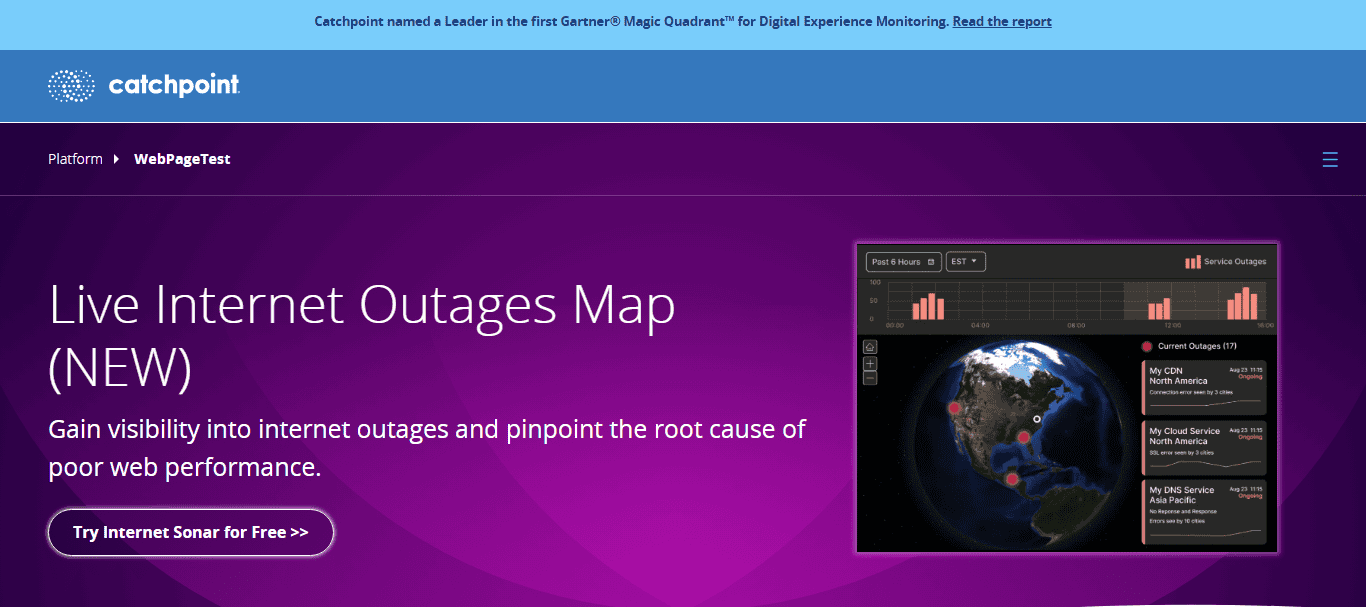
With features like visual load comparisons and filmstrip views, WebPageTest helps you truly understand how your website loads from the user’s perspective.
6. Uptrends Free Website Speed Test
Uptrends offers a straightforward and efficient speed-testing tool that caters to both beginners and experienced users. It allows you to select testing locations from around the world and even choose different browsers for your analysis.
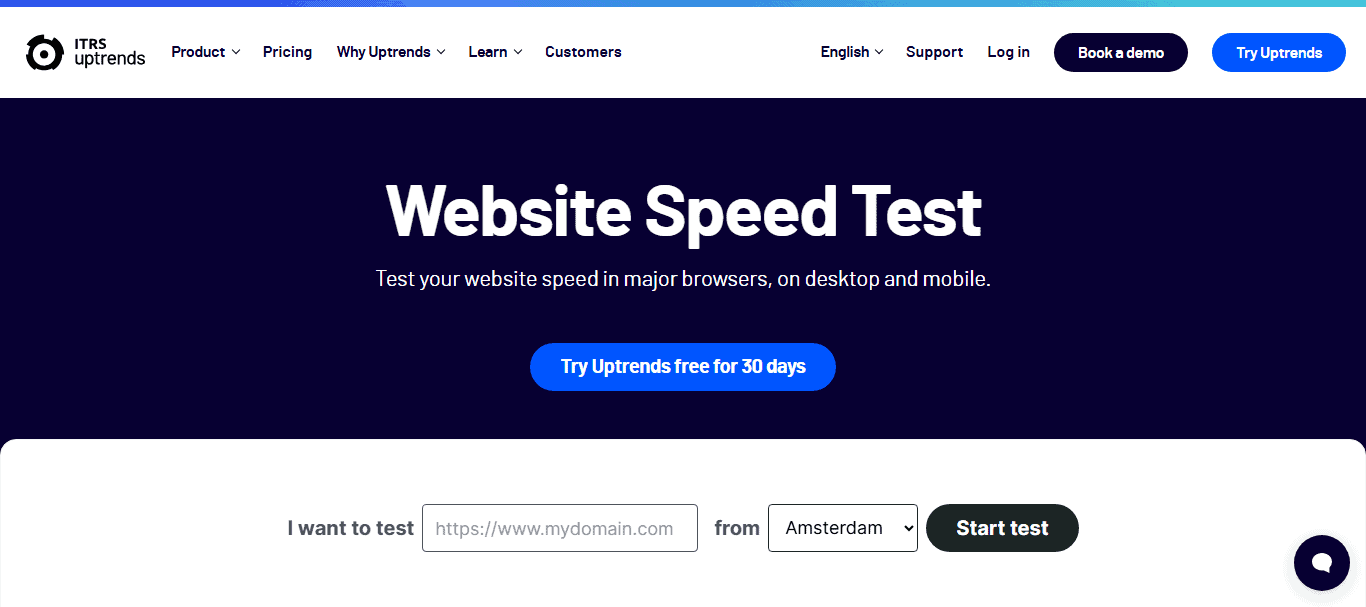
The tool delivers clear and easy-to-read performance metrics, including load time, number of requests, and page size. For those who need quick, location-specific insights without digging into complex data, Uptrends is an excellent choice.
Best for Advanced Users and In-Depth Optimization
Basic performance metrics are often not enough for developers, technical SEOs, and advanced webmasters. They require tools that offer granular control, deeper diagnostics, and the ability to simulate complex scenarios.
Advanced site speed testing tools provide highly detailed insights, allowing experts to fine-tune every aspect of a website’s performance. These platforms often support scripting, real-user monitoring, and automation, making them essential for maintaining consistently high-performing websites. Here are the top tools that cater specifically to advanced users:
7. WebPageTest Performance Testing Tool (Advanced Settings)
Catchpoint WebPageTest, when fully utilized, goes far beyond simple load time analysis. Its advanced settings allow users to simulate multi-step transactions, apply content blocking to test the impact of third-party resources, and script complex user interactions.
Additionally, it provides visual comparison tools to see how changes affect page load visually, making it a favorite among developers who need professional-grade diagnostics.
8. Dareboost Performance Monitoring Tool
Dareboost offers much more than just speed testing. It provides a comprehensive audit that includes SEO checks, accessibility compliance, quality assurance, and security analysis. All these alongside detailed performance reporting.
This holistic approach makes it particularly valuable for seasoned web developers and technical consultants who are optimizing websites from every angle, not just speed alone.
9. Calibre
Calibre is a sophisticated platform focused on maintaining performance budgets with predefined limits for page load time, page size, and other performance metrics.
It integrates seamlessly with Slack and CI/CD (Continuous Integration/Continuous Deployment) pipelines, allowing developers to monitor performance as part of their regular development workflow. This automation ensures that speed remains a priority through every stage of a site’s evolution.
10. Yellow Lab Tools
Yellow Lab Tools is an open-source option ideal for front-end developers who want to get under the hood of their website’s structure. It provides deep analysis of Document Object Model (DOM) complexity, JavaScript behaviors, CSS inefficiencies, and rendering issues.

Unlike many basic speed tests, Yellow Lab focuses on the architectural decisions that can significantly impact loading speed and user experience, making it a go-to tool for detailed technical debugging.
Best Speed Tools for Mobile Testing
Mobile-specific speed testing has become critical since Google now prioritizes mobile versions of websites for indexing and ranking. These tools are designed to simulate mobile browsing conditions and provide targeted recommendations, helping you deliver a seamless experience to mobile users around the world. Below are some of the best tools for mobile website performance testing:
11. Google PageSpeed Insights (Mobile Analysis)
Google PageSpeed Insights offers a dedicated mobile analysis feature that provides actionable recommendations tailored to smartphones and tablets.
It assesses your site’s Core Web Vitals specifically from a mobile standpoint and offers targeted advice for improving load times, interactivity, and visual stability. This mobile-specific focus is especially important now that Google has fully transitioned to mobile-first indexing.
12. SpeedVitals
SpeedVitals specializes in providing real-user Core Web Vitals data with a strong emphasis on mobile performance. It highlights critical mobile-specific issues like layout shifts, slow tap targets, and touch delay.
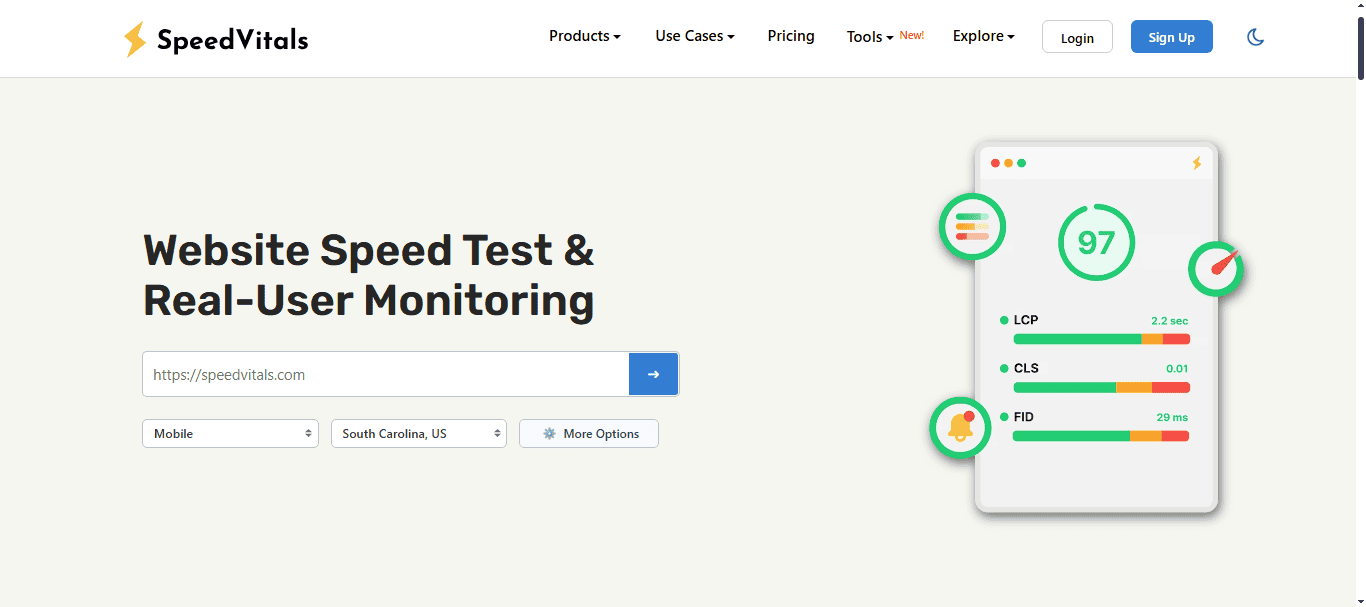
Additionally, SpeedVitals offers performance simulations across different network speeds and device types, helping developers and marketers fine-tune their mobile sites for a truly global audience.
13. Dotcom-Monitor Mobile Website Speed Test
Dotcom-Monitor’s Mobile Website Speed Test stands out by offering simulations on real mobile devices rather than generic emulators.
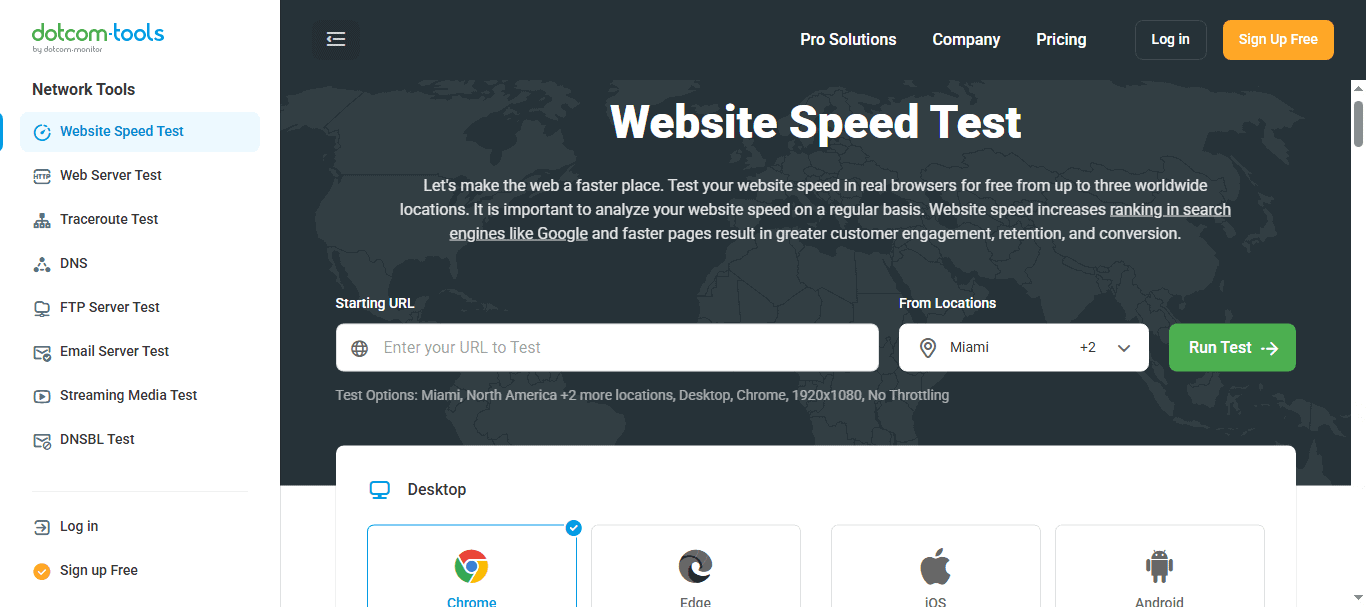
Users can test their sites across various phone models, operating systems, and connection speeds, from 3G to 5G. This granular approach ensures that you get an accurate picture of how your website performs in real-world mobile browsing scenarios.
14. Geekflare Website Audit Test
Geekflare’s Website Audit Test provides a clear, focused report on mobile performance metrics. It highlights crucial elements such as time to first byte, first contentful paint, and mobile responsiveness.
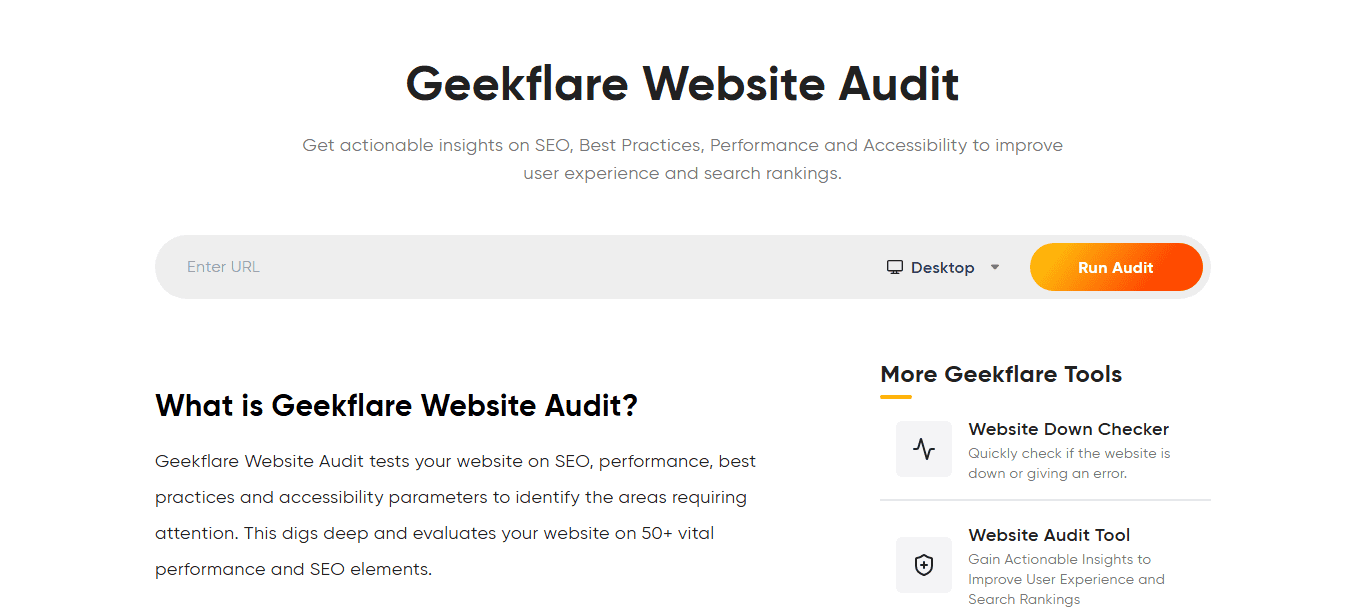
Geekflare also emphasizes usability factors like tap target sizing and visual stability, making it an excellent option for ensuring that your site is not only fast but also user-friendly on mobile devices.
Advanced Tools for Real-Time Monitoring and Alerts
While one-time speed tests are helpful, maintaining excellent website performance requires continuous monitoring. Real-time monitoring tools allow you to track your website’s Core Web Vitals, uptime, and load times around the clock.
More importantly, they can send instant alerts whenever performance drops or thresholds are crossed, enabling proactive fixes before users are impacted. These tools are especially critical for SaaS companies, enterprise websites, and businesses that can’t afford downtime or degraded experiences.
Here are some of the best tools for real-time website monitoring and performance alerts:
15. DebugBear
DebugBear specializes in ongoing performance monitoring with a focus on Core Web Vitals. It tracks changes over time and immediately alerts you if your website’s performance metrics fall below set standards.
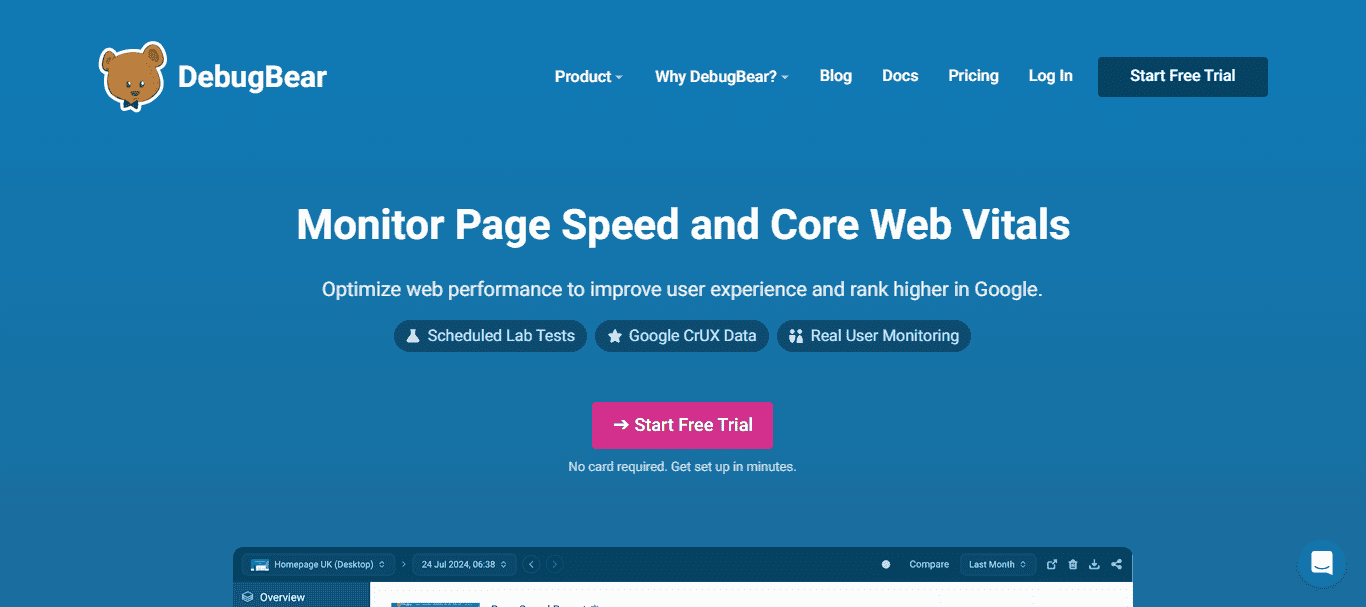
The platform’s detailed visual reports and historical data comparisons make it easier to pinpoint when and why a performance drop occurred. It’s a strong choice for teams that want to respond quickly and keep user experiences consistently smooth.
16. New Relic Synthetics
New Relic Synthetics is an enterprise-level solution designed for businesses that need comprehensive synthetic monitoring and load-testing capabilities. It allows you to simulate user interactions across multiple locations and conditions, providing proactive alert setups when issues arise.
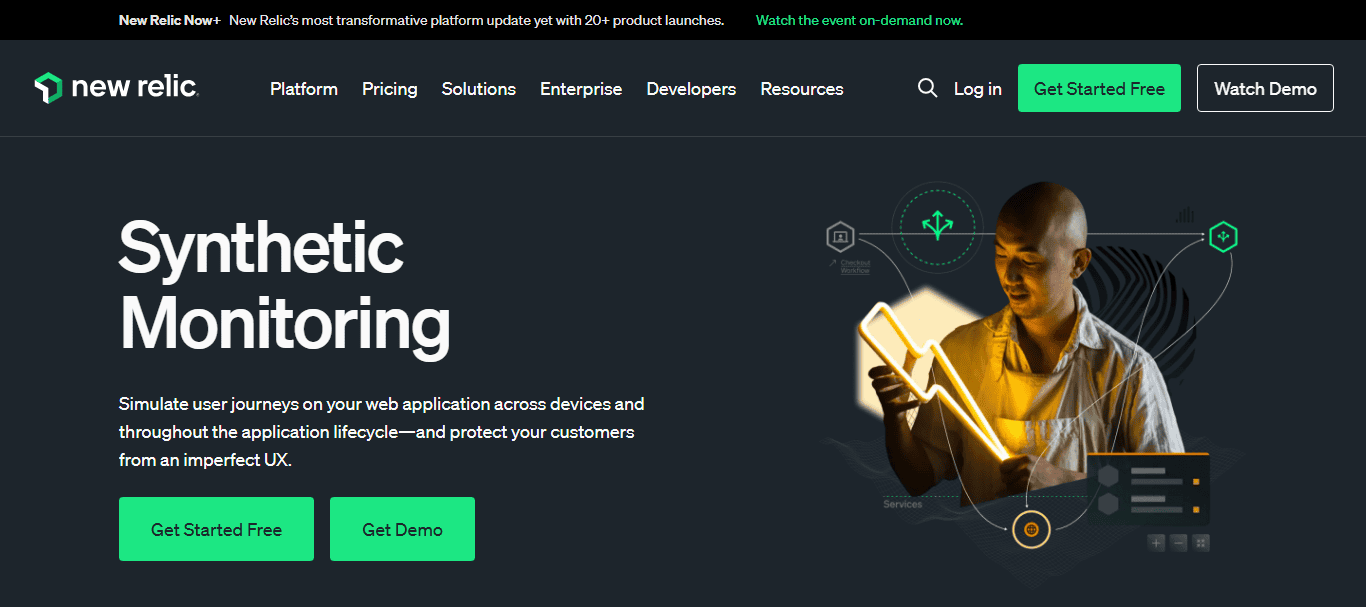
Particularly ideal for SaaS companies and large businesses, New Relic helps ensure that complex web applications maintain optimal performance under various loads and real-world scenarios.
17. Uptime.com
While known primarily for its robust uptime monitoring capabilities, Uptime.com also offers real-time website performance tracking. It monitors essential speed metrics and sends instant notifications when performance falls outside of predefined thresholds.
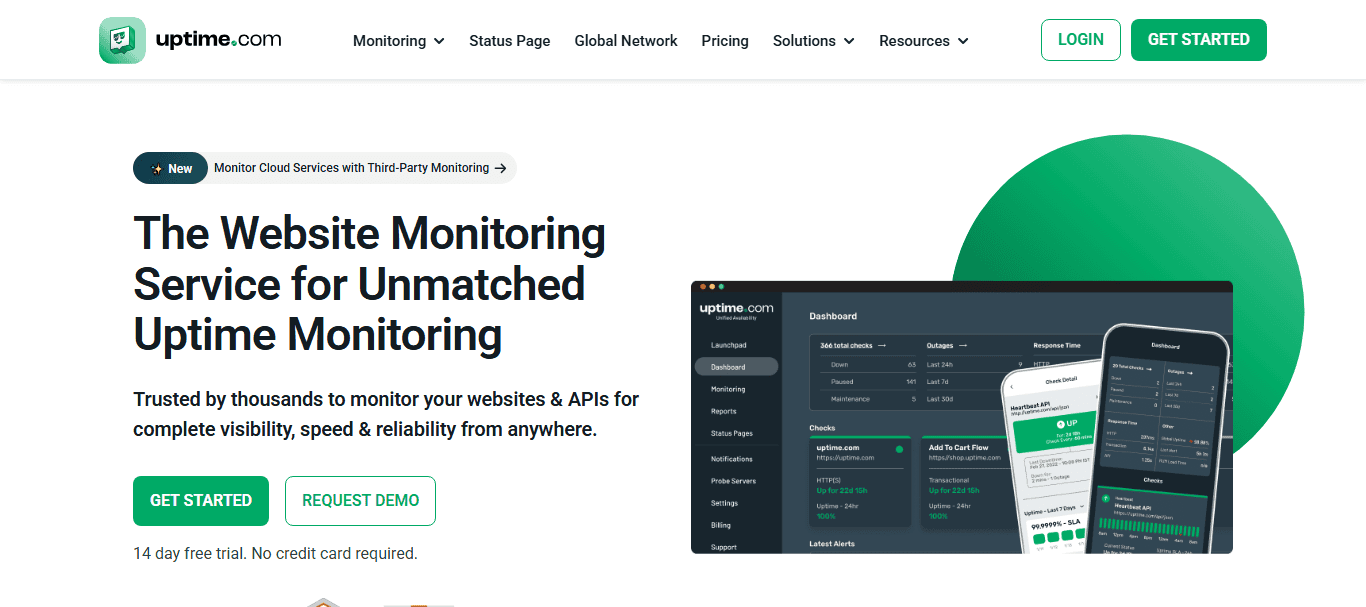
Its dual focus on availability and speed makes it an excellent all-in-one solution for businesses that prioritize reliability and fast digital experiences.
18. Site24x7: Website Monitoring Service
Site24x7 offers a powerful combination of detailed performance monitoring and server-side health tracking. Beyond analyzing front-end performance, it also monitors backend server issues, making it ideal for large-scale web apps and enterprise websites.
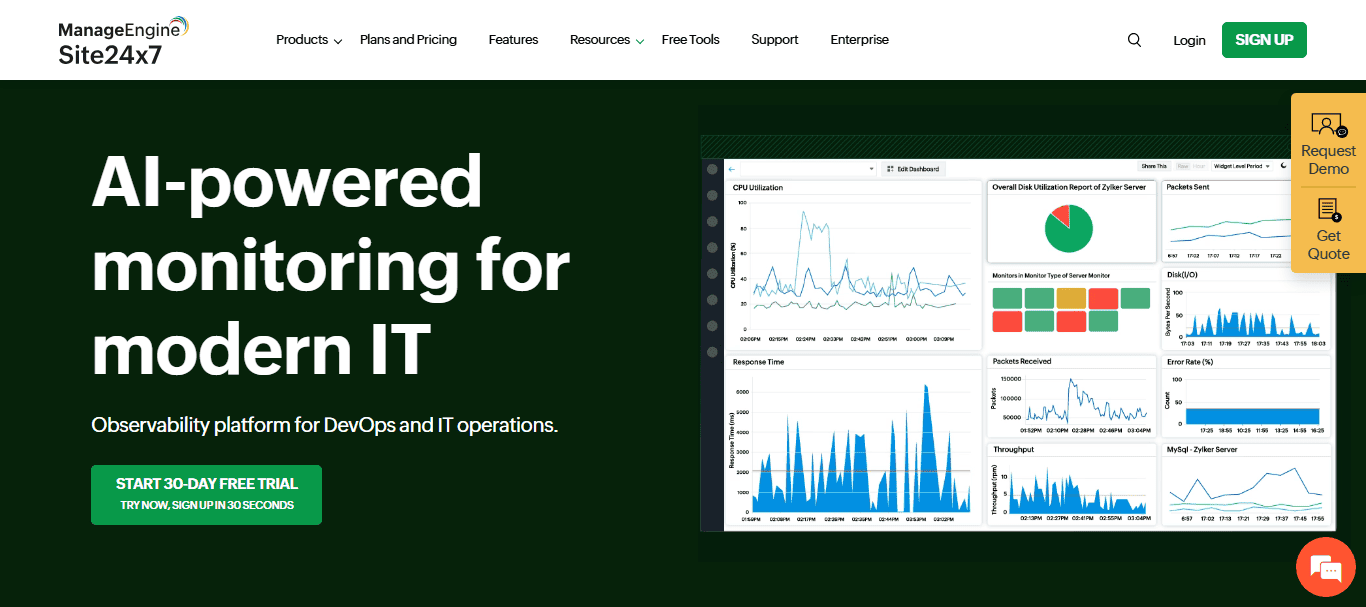
With customizable alerts and comprehensive reporting dashboards, Site24x7 helps businesses maintain performance at both the application and infrastructure levels. This tool is especially ideal to monitor website speed across multiple server locations.
Best for Beginners Who Need Simple Recommendations
If you’re new to website optimization, jumping straight into highly technical tools can feel overwhelming. As such, here are two of the best tools perfect for beginners:
19. KeyCDN Website Speed Test
The KeyCDN Website Speed Test is a fast, no-fuss option tailored for users who want immediate, easy-to-digest results. It focuses on core metrics like load time, page size, and request breakdown and displays them in a clean, minimalist interface.

With no complicated setup or technical jargon, it’s ideal for beginners who simply want a straightforward look at their website’s performance and quick hints for improvements.
20. OctoPerf
Although OctoPerf is primarily known as a load-testing tool, it’s surprisingly beginner-friendly. It allows newcomers to easily simulate real-world traffic scenarios and assess how their website handles varying loads.

OctoPerf’s intuitive dashboards and guided setup processes make it accessible even to those who have never performed a load or stress test before. It’s a great starting point for users looking to gradually dive deeper into advanced performance testing without feeling overwhelmed.
The Future of Site Speed Testing and Optimization
Website performance is rapidly evolving, and staying ahead of these trends is key to maintaining a competitive edge. As user expectations rise and technology advances, the way we approach site speed testing and optimization will continue to transform. Embracing these changes today will help future-proof your website for tomorrow’s demands. Here are some exciting trends shaping the future:
- AI-Driven Optimizations: Artificial Intelligence will increasingly drive site improvements. Tools will not just suggest optimizations but also implement fixes automatically, reducing the need for manual intervention and speeding up the optimization process.
- Real User Monitoring (RUM) Becomes Standard: Synthetic tests will no longer be enough. Real User Monitoring (RUM) will provide live, actionable insights based on real visitor experiences, helping businesses prioritize real-world performance improvements.
- Dominance of Mobile-First Tools: With mobile browsing continuing to surge, mobile-first testing and optimization tools will become the norm. Thus, ensuring websites perform flawlessly across all devices.
Ultimate Guide: Custom WordPress Development Services
Conclusion
Your website’s performance can make or break your digital success. A fast, responsive site creates a smooth user experience, boosts SEO rankings, and increases your conversions. By using the right site speed test tools and acting on the insights they provide, you can ensure your website is always operating at peak performance.
So, start testing today, choose the tools that best fit your needs, and give your visitors the seamless experience they deserve.
FAQs About Site Speed Testing
What do site speed test tools measure?
Site speed test tools measure metrics like server response time, page performance, and core web vitals monitoring, helping you understand your overall website performance. They are essential for performance optimization.
Why are real user data and field data important?
Real user data, including crux data, provides insights into the real-world user experience, capturing how actual visitors perceive your site, while field data complements lab tests.
How do speed monitoring tools improve performance?
Speed monitoring tools track performance over time, offering in-depth diagnostics to identify bottlenecks, including speed bottlenecks in your site’s performance, which when fixed can help boost search engine rankings.
What features do advanced speed test tools offer?
More advanced features in these tools include global test locations, image optimization guidance, and technical SEO issue detection to enhance speed scores.
How does cumulative layout shift affect site performance?
Cumulative layout shift impacts visual stability, which affects both desktop performance and real-world user experience, contributing to your site’s performance score.
Why consider paid plans for speed tests?
While many tools offer a free plan, paid plans provide additional features such as comprehensive field data analysis, controlled environment testing, and advanced core web vitals monitoring for improved performance.
How do web performance tools handle low-traffic sites?
For low-traffic sites, these tools can substitute real user data with synthetic tests in a controlled environment to measure metrics accurately and ensure your site performs well.

