

Customer support is no longer a secondary business function. Instead, it is a core growth driver. Today’s customers expect quick responses, clear communication, and seamless issue resolution. If a business fails to meet these expectations, customers quickly move on to competitors. For WordPress-based businesses, helpdesk plugins offer a practical and scalable solution.
These WordPress plugins simplify ticket management, automate repetitive tasks, and centralize customer communication. More importantly, they help businesses deliver consistent and high-quality support experiences.
In this guide, we will explore the best WordPress helpdesk plugins for effective customer support and key features to look for.
Importance of Customer Support for Businesses
Customer support directly impacts brand perception. A single poor support experience can damage trust that took years to build. On the other hand, effective support builds loyalty and encourages repeat business.
This is where helpdesk plugins for WordPress sites play a critical role. They streamline support operations while improving the overall customer experience. Here are some of its benefits:
- Customer support helps resolve issues efficiently. Customers reach out with questions, technical problems, or billing concerns. A structured support system ensures these inquiries are handled without delays.
- Strong support improves customer retention. When customers feel heard and valued, they are more likely to stay loyal. This reduces churn and increases lifetime value.
- Customer support contributes to brand credibility. Businesses that offer reliable and accessible support appear more professional and trustworthy.
Finally, support interactions generate valuable insights. By analyzing tickets, businesses can identify recurring issues, product gaps, and improvement opportunities.
How WordPress Helpdesk Plugins Enhance Customer Support?
WordPress helpdesk plugins are designed to centralize and simplify customer communication. Instead of managing support emails manually, businesses can use structured ticketing systems.
These plugins allow customers to submit support tickets directly from the website. At the same time, support agents can track, prioritize, and resolve issues from a single dashboard.
Additionally, many plugins include customer portals. These portals let users view ticket status, respond to agents, and access self-help resources.
Automation is another major advantage. Helpdesk plugins can automatically assign tickets, send notifications, and close resolved requests. As a result, support teams save time and improve response rates.
Overall, WordPress helpdesk plugins help businesses deliver faster, more organized, and consistent customer support.
Need Quick WordPress Help
Get in touch with our expert support team today and receive fast, reliable assistance to resolve your WordPress issues efficiently.
Top Helpdesk Plugins for WordPress Sites
Below are some of the most reliable and widely used WordPress helpdesk plugins. Each offers unique features suited to different business needs.
Heroic Inbox
Heroic Inbox is a powerful helpdesk plugin designed for simplicity and efficiency. It turns your WordPress dashboard into a shared support inbox.

One of its key strengths is its email-based ticketing system. Support teams can manage customer emails directly inside WordPress. This eliminates the need for third-party platforms.
Heroic Inbox supports an unlimited number of users and tickets. It also offers collision detection, internal notes, and tagging for better organization.
Additionally, it integrates well with WooCommerce and other popular WordPress tools. This makes it ideal for product-based businesses.
LiveChat
LiveChat focuses on real-time customer communication. It allows businesses to chat with visitors instantly.

This plugin is ideal for sales-driven websites. It helps convert visitors into customers by resolving queries immediately.
LiveChat also supports ticket creation from chat conversations. This ensures that unresolved issues are tracked and followed up.
Moreover, it integrates with email, CRM tools, and analytics platforms. While it is not a traditional ticket-only system, it complements helpdesk workflows effectively.
ThriveDesk
ThriveDesk is a modern helpdesk plugin built specifically for WordPress users. It offers a clean interface and essential support features.
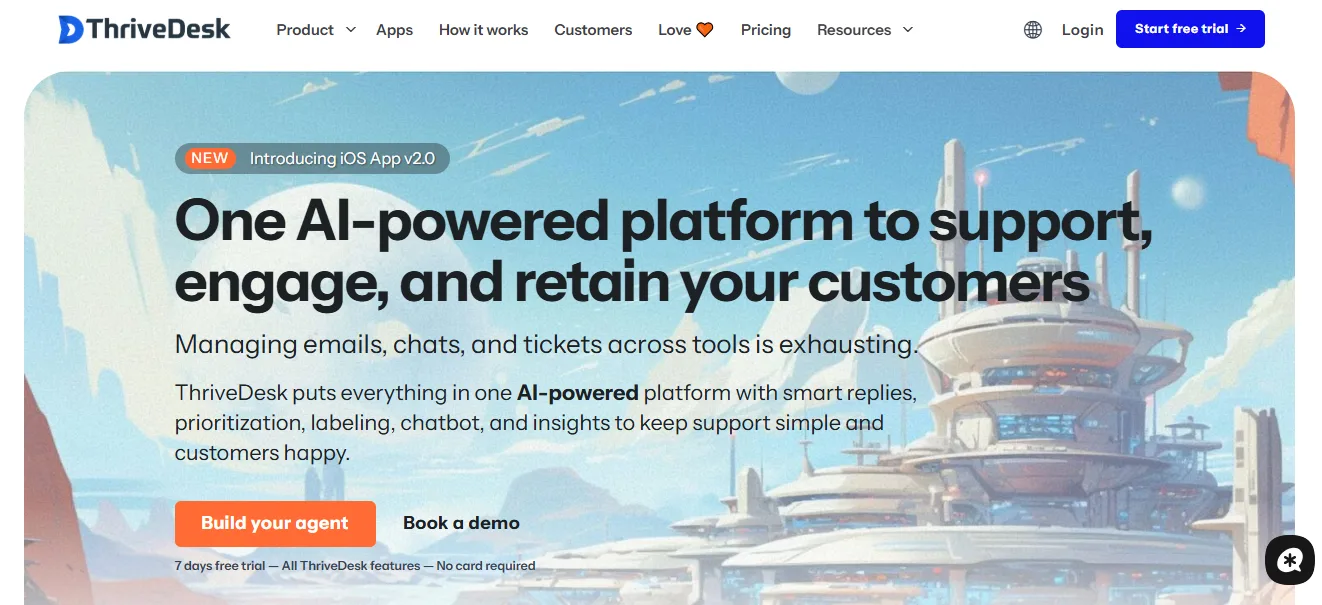
It supports email ticketing, internal notes, and team collaboration. ThriveDesk also offers a customer portal for tracking tickets.
One standout feature is its affordability. It offers simple pricing without charging per agent.
Additionally, it integrates with WooCommerce, Easy Digital Downloads, and contact forms. This makes it suitable for growing online businesses.
Help Scout Desk
Help Scout Desk brings a human-centric approach to customer support. It focuses on shared inbox functionality and personalized responses.

The plugin allows teams to manage conversations collaboratively. It also supports private notes and collision detection.
Help Scout includes reporting tools to track response times and customer satisfaction.
Although it is primarily a SaaS tool, it integrates seamlessly with WordPress. This makes it a strong option for support-focused teams.
Tidio
Tidio combines live chat, chatbots, and ticketing into one platform. It is designed to automate customer interactions while maintaining a personal touch.

The chatbot feature automatically handles common questions. This reduces the number of incoming tickets.
Tidio also supports email integration and ticket management. Its interface is intuitive and beginner-friendly.
For small and medium businesses, Tidio offers a good balance between automation and human support.
Awesome Support
Awesome Support is a powerful WordPress helpdesk plugin designed for businesses that need flexibility and control. It provides a complete ticket management system with features such as ticket assignment, priority levels, and status tracking.

In addition, the plugin supports file uploads, email notifications, and customizable fields to suit different workflows.
With optional add-ons, businesses can enable advanced capabilities like automated workflows, detailed reporting, and enhanced productivity tools, making Awesome Support a reliable in-dashboard support solution.
Freshdesk
Freshdesk is a widely used cloud-based helpdesk solution that integrates smoothly with WordPress websites. It supports multi-channel ticketing, allowing businesses to manage customer queries from multiple channels, including email, live chat, phone, and social media, all in one place.
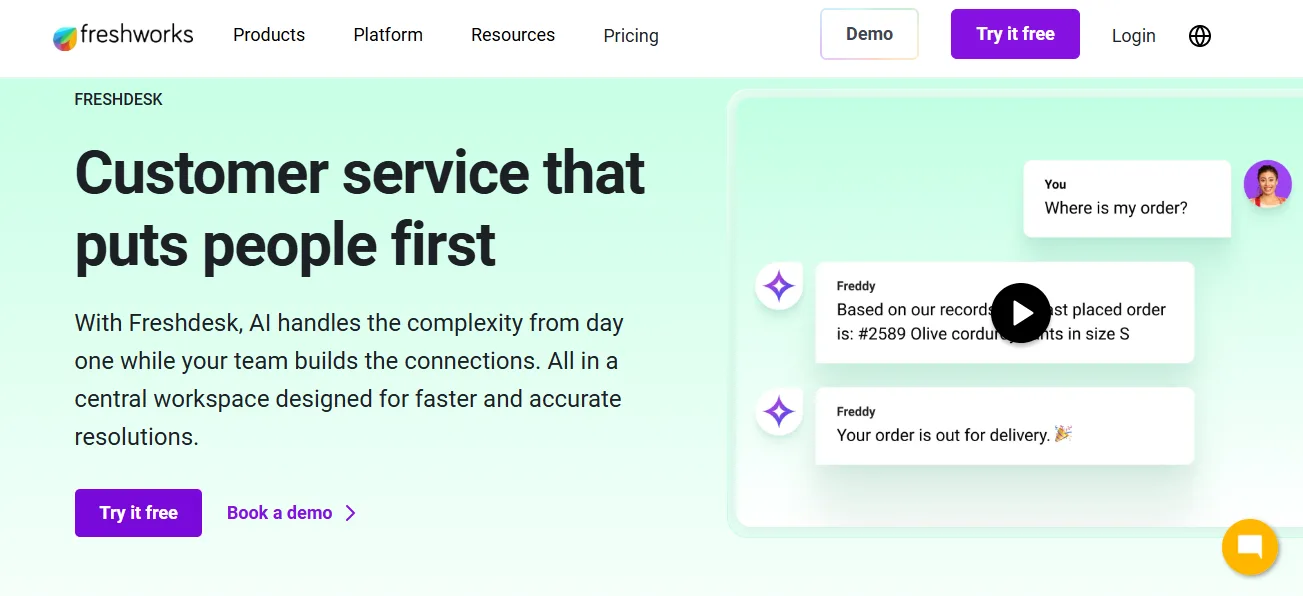
Freshdesk also includes powerful automation rules, SLA management, and advanced reporting features to improve efficiency and accountability.
While it operates outside the WordPress dashboard, its seamless integration makes it an excellent choice for larger teams handling high ticket volumes and complex customer support workflows.
KB Support
KB Support is a WordPress helpdesk plugin that combines ticket management with built-in knowledge base functionality. It enables customers to search for helpful articles and documentation before submitting a support ticket, thereby reducing repetitive and low-priority queries.
The plugin also supports role-based access control and fully customizable ticket forms to match specific business needs.
This makes KB Support an ideal solution for businesses that want to promote customer self-service while still providing a well-structured and reliable support system.
Fluent Support
Fluent Support is a lightweight, performance-driven WordPress helpdesk plugin built for speed and simplicity. It offers essential features such as email piping, structured ticket management, and internal notes for better team collaboration.

The plugin integrates seamlessly with FluentCRM and other popular WordPress tools, enabling businesses to manage customer communication more effectively.
With its clean interface and fast performance, Fluent Support is well-suited for support teams that prioritize efficiency, streamlined workflows, and minimal overhead while handling customer inquiries directly within the WordPress dashboard.
SupportCandy
SupportCandy is a highly flexible WordPress helpdesk plugin designed for businesses that require extensive customization. It allows unlimited tickets and agents, making it suitable for growing support teams.

The plugin supports custom workflows, advanced automation rules, and configurable custom fields to match complex support processes.
In addition, SupportCandy offers detailed reporting features and a wide range of add-ons to scale operations as business needs evolve. This makes it an ideal choice for organizations looking for a powerful, fully customizable customer support system within WordPress.
Key Features to Look For in a WordPress Helpdesk Plugin
Choosing the right WordPress helpdesk plugin is essential for delivering efficient and reliable customer support. While many plugins offer similar core functionality, the best solutions stand out through usability, automation, and scalability.
More importantly, the right feature set helps support teams respond faster, reduce manual work, and improve customer satisfaction. Below are the key features you should evaluate before selecting a WordPress helpdesk plugin.
Helpdesk Plugin Interface
A clean and intuitive interface is critical. A well-designed dashboard allows support agents to navigate tickets easily and manage workloads without confusion. Additionally, an efficient interface reduces training time and minimizes errors. As a result, agents can focus more on resolving customer issues rather than learning the system.
Ticket Management Capabilities
Equally important, strong ticket management features ensure smooth support operations. The plugin should support ticket assignment, priority setting, and status tracking. Moreover, automated routing helps direct tickets to the right agent quickly. This improves response times and prevents support requests from being overlooked.
Knowledge Base
A built-in knowledge base encourages self-service. Customers can search help articles and FAQs before submitting tickets. Consequently, this reduces repetitive queries and lowers ticket volume. A searchable and well-structured knowledge base also improves user experience and long-term customer satisfaction.
Automation Features
Automation plays a key role in scaling support. Features such as auto-responses, ticket tagging, and workflow rules eliminate repetitive tasks. As a result, support teams save time and maintain consistency across customer interactions, even during periods of high ticket volume.
Multi-Channel Support
Another important feature is multi-channel support. Customers should be able to reach your team via email, contact forms, live chat, or social platforms. By centralizing all channels into one system, businesses ensure faster responses and better communication continuity.
Reporting and Analytics
Finally, reporting and analytics provide valuable insights into support performance. Detailed reports on response times, ticket resolution rates, and customer satisfaction help identify areas for improvement. Over time, these insights support data-driven decisions and continuous optimization of customer support strategies.
Free vs Premium Version: Pricing Considerations
When selecting a WordPress helpdesk plugin, understanding the difference between free and premium versions is essential.
While free plans can be useful for basic needs, premium versions often provide advanced features that improve efficiency and scalability. Therefore, evaluating pricing in relation to business requirements helps ensure long-term value.
To begin with, free versions usually include core features such as basic ticket creation, limited ticket management, and simple notifications. These plans are suitable for small businesses or startups with low support volume. However, they often come with restrictions on customization, automation, and reporting.
In contrast, premium versions unlock advanced capabilities. These include automation workflows, priority support, detailed analytics, and enhanced security. Moreover, premium plans typically offer better scalability and dedicated customer support, making them ideal for growing businesses.
Ultimately, the right choice depends on support volume, team size, and growth goals. Investing in a premium helpdesk plugin often delivers higher efficiency and better customer experience over time.
Helpdesk Plugins for WordPress and SEO Benefits
Helpdesk plugins do more than streamline customer support. They also contribute to better search engine optimization when implemented correctly. By improving user experience and content availability, these plugins indirectly support higher rankings and stronger online visibility. As a result, customer support and SEO work together to drive sustainable growth.
- Knowledge Base Content: Helpdesk plugins with knowledge base functionality help create valuable, search-friendly content. Well-structured help articles target long-tail keywords and answer common user questions. Consequently, this improves organic visibility and attracts qualified traffic.
- Improved User Experience: Faster response times and easy access to support improve overall user experience. Search engines favor websites that keep users engaged and reduce bounce rates, which positively impacts rankings.
- Reduced Duplicate Queries: Self-service options reduce repetitive support requests. This keeps content organized and ensures consistent information across the site.
- Trust and Engagement Signals: Efficient customer support builds trust and encourages repeat visits, strengthening engagement signals that support long-term SEO performance.
Final Thoughts
Effective customer support is essential for business success. It builds trust, improves retention, and strengthens brand reputation.
WordPress helpdesk plugins offer a practical solution for managing customer inquiries efficiently. They centralize communication, automate tasks, and improve response times.
By choosing the right plugin, businesses can deliver consistent and high-quality support experiences. This not only improves customer satisfaction but also supports long-term growth and SEO performance.
Simply put, investing in a reliable WordPress helpdesk plugin is not just a support decision; it is a strategic business move.
FAQs About WordPress Helpdesk Plugins
What is a WordPress helpdesk plugin?
A WordPress helpdesk plugin is a support plugin that helps businesses manage customer support on the WordPress platform by organizing client queries into a centralized help desk system.
How does a ticket-based system improve support workflows?
A support ticket system or customer support ticket system ensures customer tickets are tracked, prioritized, and resolved efficiently through ticket routing. This allows teams to manage support tickets without missing any customer tickets.
Can helpdesk plugins handle multiple communication channels?
Yes, many plugins offer a multi-channel ticketing system with live chat feature, email notifications, and customer conversations managed in one desk system instead of scattered third-party tools.
How do helpdesk plugins support customer service teams?
They help the customer support team and customer support staff automate routine tasks, boost agent productivity, and handle support queries received more effectively using help desk software.
Do helpdesk plugins improve customer experience and loyalty?
A structured desk solution with private ticket notes and knowledge base integration can improve customer support, enhance customer support experience, increase customer engagement, and build customer loyalty.
What features should businesses expect at a minimum?
Most helpdesk software includes basic features such as creating tickets directly, email-based workflows, a customer ticketing system, and tools to manage support queries across a help desk.
Is a helpdesk plugin suitable for growing businesses?
Yes, it is. A scalable helpdesk system supports WordPress customer support, strengthens support efforts, ensures top-notch customer service, improves customer satisfaction, and simplifies handling client queries as the business grows.

