

Managing multiple WordPress sites can quickly become overwhelming for both business owners and agencies. Updates, backups, security checks, and performance monitoring demand time and precision. As the number of sites increases, manual management becomes impractical. And this is when WordPress management tools become essential.
These platforms centralize control, automate repetitive tasks, and reduce operational risk. Whether you manage client websites or run multiple projects, the right tool can significantly improve efficiency.
In this guide, we will explore what WordPress multisite management means, how to choose the right tool, and which platforms stand out.
What is WordPress Multisite Management?
WordPress multisite management refers to the process of controlling multiple WordPress installations from a single dashboard. Instead of logging into each site individually, you can manage everything centrally. This approach is widely used by agencies, freelancers, hosting providers, and enterprises. It helps streamline workflows while ensuring consistency across all websites.
Key Tasks Covered by Multisite Management
Most WordPress management tools allow you to:
- Update WordPress core, themes, and plugins in bulk
- Monitor uptime and site health
- Perform automated backups
- Run security scans and malware checks
- Manage users and roles
- Generate client reports
As a result, you save time while reducing human error.
Leave Site Maintenance and Management to Professionals
Stop spending valuable time on routine updates and fixes. Let experienced professionals handle your WordPress maintenance and site management with precision and care.
Tips for Choosing the Right WordPress Management Tool
Choosing the right WordPress management tool is a strategic decision. It directly impacts efficiency, scalability, and long-term maintenance costs. Since every business has different requirements, it is important to evaluate tools based on practical needs rather than popularity alone. Below are the key factors to consider before making a decision.
- Number of Websites: Consider how many websites you need to manage. Some tools are ideal for freelancers with a small portfolio, while others are built to handle hundreds or even thousands of sites. Therefore, always review site limits and upgrade paths. This ensures the tool can scale as your workload grows.
- Budget Constraints: Evaluate your budget carefully. WordPress management tools follow different pricing models. Some charge per website, while others offer flat or tiered pricing. As a result, it is important to calculate long-term costs instead of focusing only on entry-level pricing.
- Essential Features: Equally important are the features offered. At a minimum, the tool should support bulk updates, automated backups, security monitoring, and performance insights. Additionally, advanced users may require white-label reporting and Google Analytics integration for client-facing work.
- Ease of Use: Finally, assess usability. A clean and intuitive dashboard improves productivity. Beginners should prioritize simplicity, while experienced developers may prefer advanced controls and customization options.
Key Features to Look for in a WP Management Tool
Choosing the right tool depends on the depth of its features. Below are the most important capabilities to consider.
- Bulk Updates and Automation: Bulk updates reduce manual workload. You can update plugins, themes, and WordPress core across all sites in minutes.
- Security Scans and Malware Detection: Security is non-negotiable. Look for tools that offer vulnerability scanning, firewall integration, and alerts.
- Backup and Restore Options: Automated backups ensure business continuity. One-click restore functionality is equally important.
- Google Analytics Integration: Built-in analytics saves time. It allows you to monitor traffic and performance without external dashboards.
- Client Reporting and White Labeling: Agencies benefit from branded reports. These features enhance professionalism and transparency.
- User and Role Management: Centralized user control simplifies access management. It also improves security compliance.
How to Choose the Right Tool for Your Skill Level?
Selecting a WordPress management tool should align with your technical expertise and daily workflow. While many platforms offer similar core features, the right choice depends on how much control, automation, and customization you require. By matching the tool to your skill level, you can work more efficiently and avoid unnecessary complexity.
- For Beginners: If you are new to managing multiple WordPress sites, cloud-based tools are the best starting point. Platforms like ManageWP and WP Umbrella offer simple dashboards, guided setups, and minimal configuration. As a result, you can manage updates, backups, and monitoring without technical overhead.
- For Developers: Developers often need more flexibility. Self-hosted solutions such as MainWP and InfiniteWP provide deeper control, custom workflows, and data ownership. Therefore, they are ideal for advanced users who prefer hands-on management.
- For Agencies: For agencies, client-facing features matter most. Tools with white-label reporting, role-based access, and client dashboards work best. In this case, Modular DS and WP Umbrella stand out as strong options.
Best Tools to Manage Multiple WordPress Sites
Below is a detailed comparison of the most reliable tools to manage multiple WordPress sites.
| Tool | Bulk Updates | Backups | Security Scans | Analytics | White-Label | Self-Hosted Option |
|---|---|---|---|---|---|---|
| WP Remote | Yes | Yes | Yes | No | No | No |
| WP Umbrella | Yes | Yes | Yes | Yes | Yes | No |
| Solid Central PRO | Yes | Yes | Yes | No | No | No |
| Modular DS | Yes | Yes | Yes | Yes | Yes | No |
| MainWP | Yes | Yes | Yes | Yes | Yes | Yes |
| InfiniteWP | Yes | Yes | Yes | Yes | Yes | Yes |
| CMS Commander | Yes | Yes | Basic | Yes | No | No |
| ManageWP | Yes | Yes | Yes | Yes | Yes | No |
| WP Central | Yes | Yes | Yes | No | No | Yes |
1. WP Remote
WP Remote is a lightweight yet efficient WordPress management tool designed for speed and simplicity. It is particularly well-suited for freelancers and small agencies that want to manage multiple sites without dealing with complex setups. Moreover, its flexible pricing model makes it a cost-effective choice for growing portfolios.
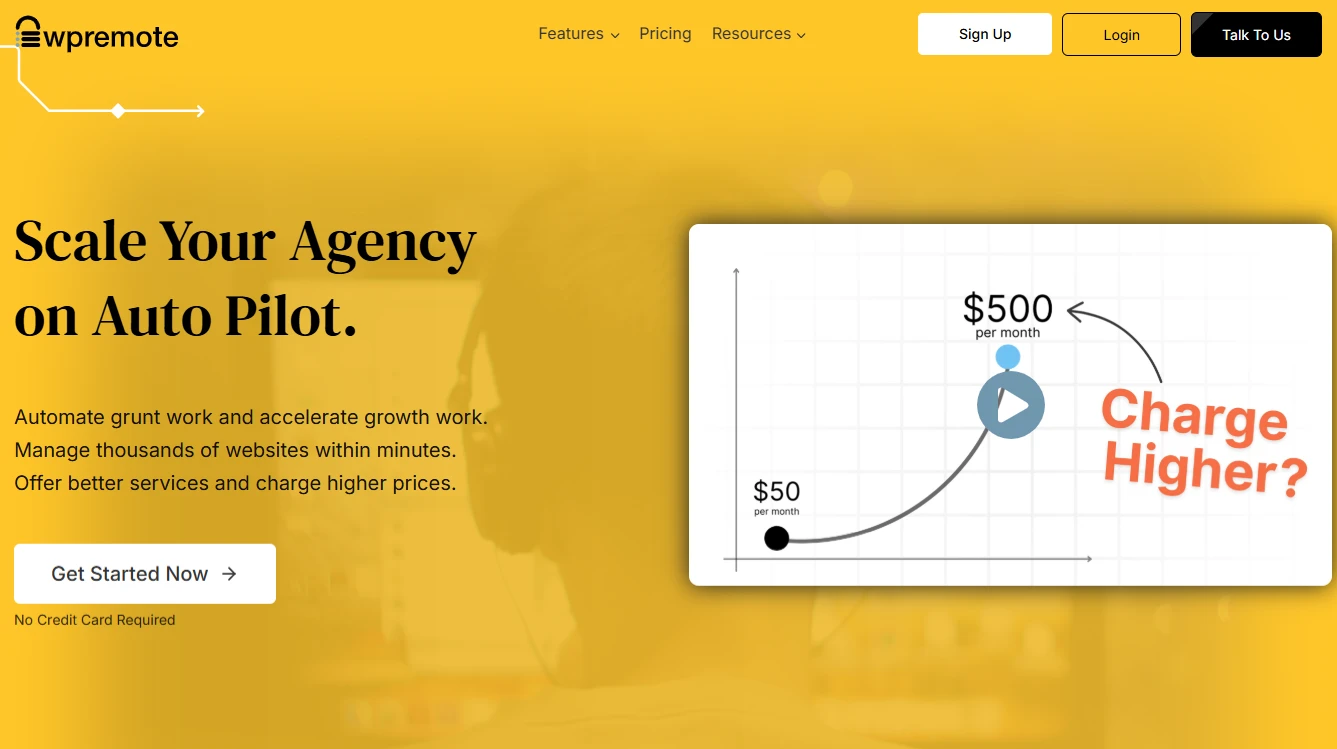
Key Features of WP Remote are:
- One-Click Updates: WP Remote allows one-click updates for WordPress plugins and themes. This feature saves time and ensures all sites remain up to date with minimal effort.
- Automated Daily Backups: The platform offers automatic daily backups. This ensures data protection and facilitates quick recovery in the event of unexpected issues.
- Real-Time Security Monitoring: WP Remote provides real-time security monitoring. It helps identify potential threats early and reduces the risk of site compromise.
- Activity Logs: Detailed activity logs enable easy tracking of changes and maintain accountability across managed websites.
2. WP Umbrella
WP Umbrella is a modern tool for managing multiple WordPress sites. It is known for its clean interface and powerful reporting capabilities. It is especially popular among agencies that prioritize client transparency and proactive monitoring. In addition, its per-site pricing model keeps costs predictable and affordable for mid-sized portfolios.
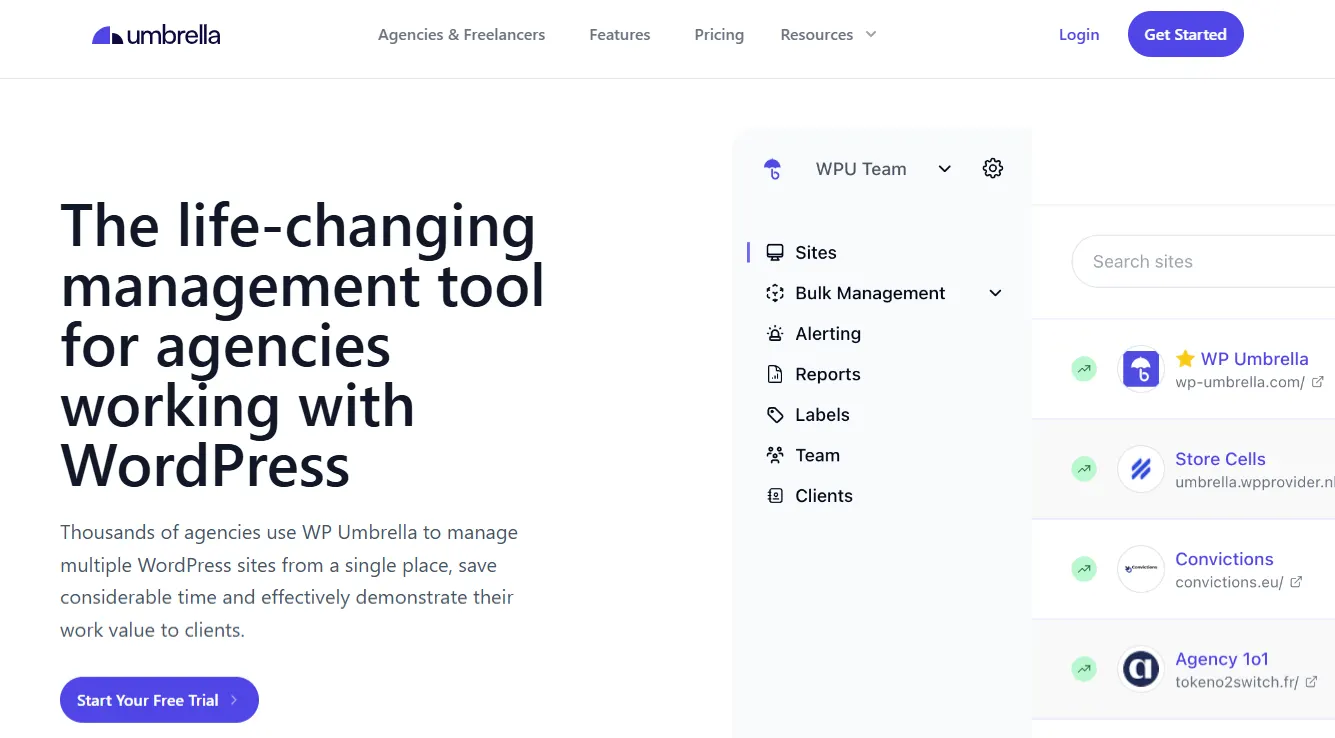
Key Features of WP Umbrella are:
- Bulk Updates with Rollback: WP Umbrella supports bulk updates with rollback functionality. This allows you to safely update plugins and themes while minimizing the risk of site breakage.
- Uptime and Performance Monitoring: The platform continuously monitors uptime and performance to ensure optimal operation. As a result, issues can be identified and resolved before they impact users.
- White-Label Client Reports: Another key advantage is the ability to create white-label reports. Agencies can deliver branded reports that enhance professionalism and client trust.
- Integrated Backups: Integrated backups ensure reliable data protection and quick recovery when needed.
3. Solid Central Pro
Solid Central Pro is a WordPress management solution developed by the team behind SolidWP. It places a strong emphasis on security, stability, and centralized control. As a result, it is best suited for security-focused website owners and developers. Although pricing is higher, it is justified through deep integration with SolidWP’s security ecosystem.
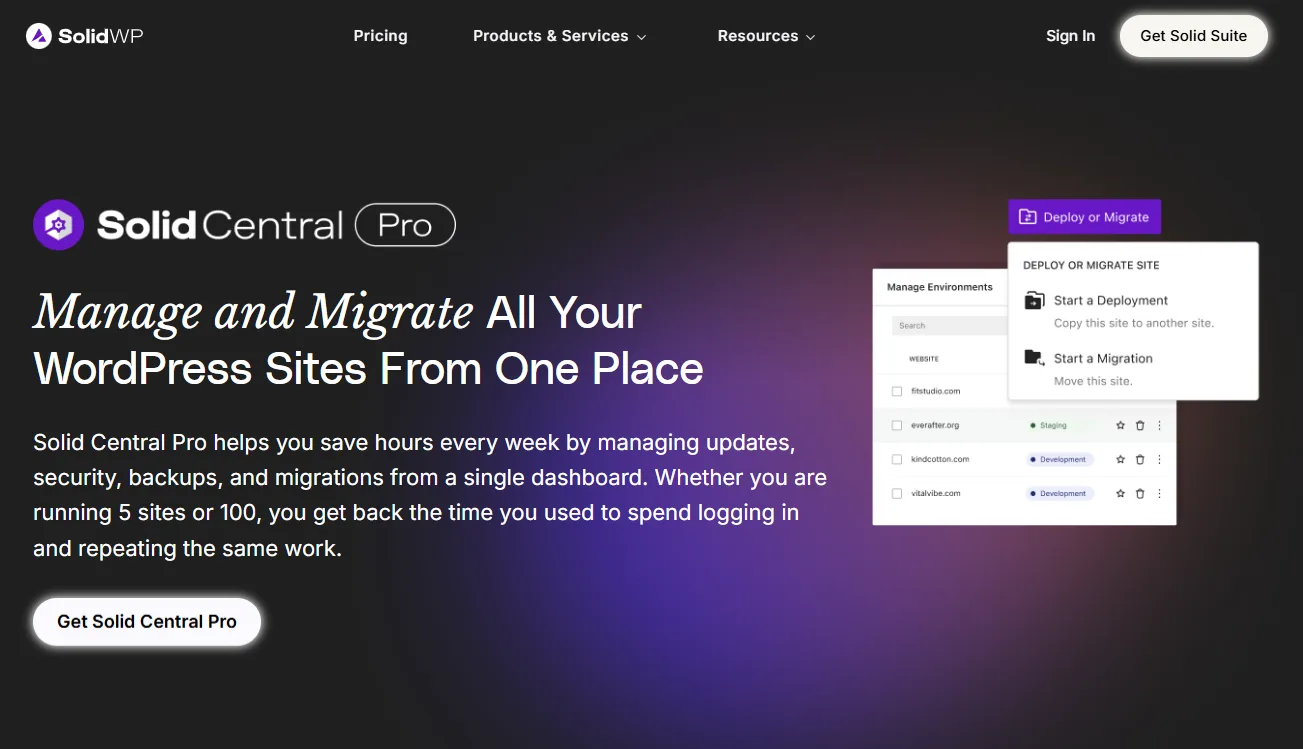
Key Features of Solid Central Pro are:
- Centralized Updates: Solid Central Pro enables centralized updates for WordPress core, plugins, and themes. This ensures consistency across all managed sites.
- Integrated Security Scans: It includes integrated Solid Security scans. These help detect vulnerabilities and protect sites from threats.
- Backup Management: Built-in backup management ensures reliable data protection and quick recovery.
- User Access Control: Advanced user access control allows precise permission management across websites.
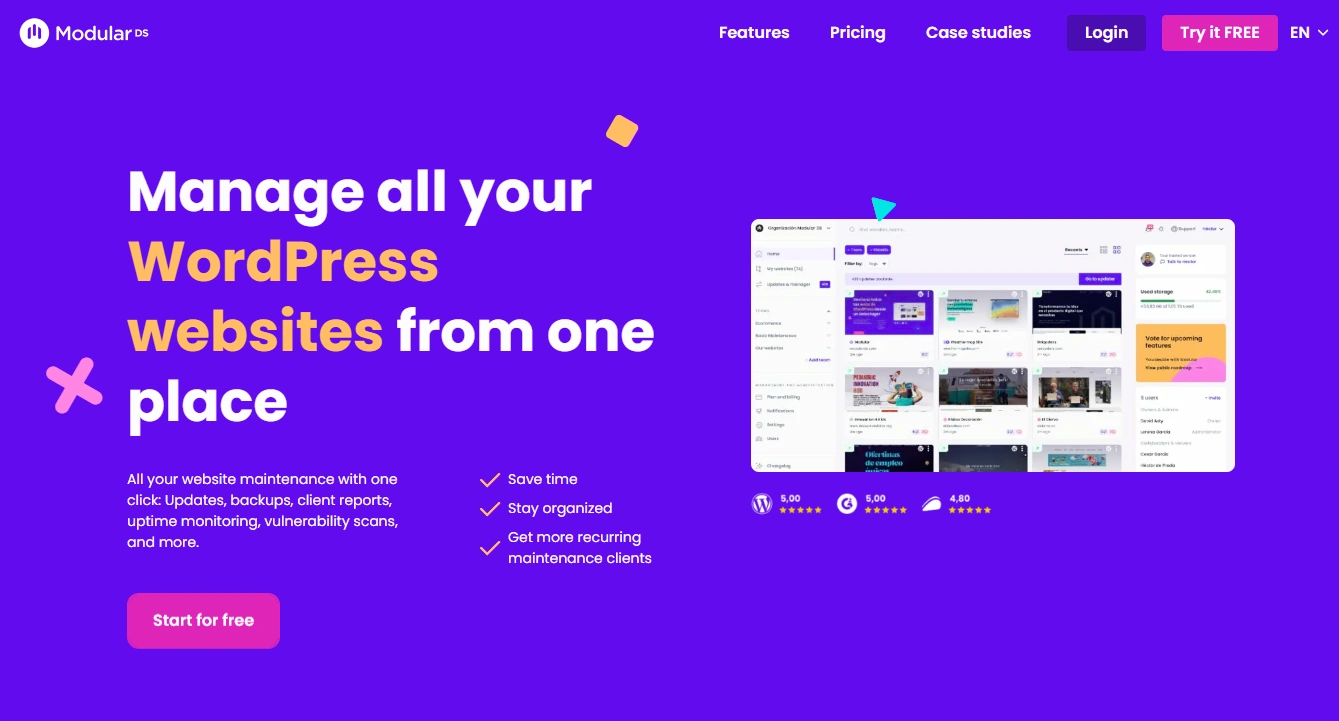
4. Modular DS
Modular DS is a WordPress management platform built specifically for digital agencies. It focuses on workflow optimization, team collaboration, and client management at scale. Therefore, it is best suited for agencies handling large client portfolios and internal teams. Although the pricing is premium, it is justified by advanced agency-centric features.
Key Features of Modular DS are:
- Bulk Updates and Automation: Modular DS enables bulk updates and automated maintenance, reducing manual effort across multiple sites.
- White-Label Dashboards: It allows agencies to present a fully branded experience to clients.
- Client Access Controls: This feature enhances collaboration while maintaining security.
- Performance Tracking: Built-in performance tracking helps agencies monitor site health efficiently.
5. MainWP
MainWP is a self-hosted WordPress management tool that gives users complete data ownership. It is best suited for developers and privacy-conscious users who prefer full control. The core plugin is free, while advanced functionality is available through paid extensions.

Key Features of MainWP are:
- Self-Hosted Dashboard: MainWP operates on your own server, providing complete data control.
- Unlimited Site Management: It supports unlimited WordPress sites without per-site fees.
- Extension Ecosystem: It has a large extension library that allows deep customization.
- Bulk Updates and Backups: It also offers bulk updates and backup management to streamline maintenance tasks.
6. InfiniteWP
InfiniteWP provides both self-hosted and cloud-based WordPress management solutions. It is ideal for freelancers who are scaling into agency-level operations. While a free version is available, premium plans unlock additional automation and reporting features.

Key Features of InfiniteWP are:
- Bulk Updates and Backups: InfiniteWP simplifies maintenance through bulk updates and scheduled backups.
- Malware Scanning: It offers malware scanning to improve security monitoring.
- Staging Site Management: Its staging features support safer development workflows.
- Client Reporting: It offers reporting tools that enhance transparency and professionalism.
7. CMS Commander
CMS Commander is a WordPress management tool designed for content-focused workflows. It is especially well-suited for content publishers and affiliate marketers who manage multiple websites. Moreover, its moderate pricing model scales based on site count, making it accessible for growing portfolios.

Key Features of CMS Commander are:
- Bulk Content Posting: CMS Commander allows bulk content posting across multiple sites. This significantly reduces publishing time and improves consistency.
- Plugin and Theme Updates: The platform supports centralized updates for plugins and themes, ensuring all sites remain current.
- Backup Integration: It offers integrated backup functionality that helps protect valuable content assets.
- Affiliate Tools: It also provides affiliate-friendly tools to support link management and monetization strategies across networks.
8. ManageWP
ManageWP is one of the most widely used cloud-based WordPress management platforms available today. It is best suited for beginners and growing agencies that need a simple yet reliable solution. Moreover, its free core features make it easy to get started, while premium add-ons are billed per site for added flexibility and customization options.
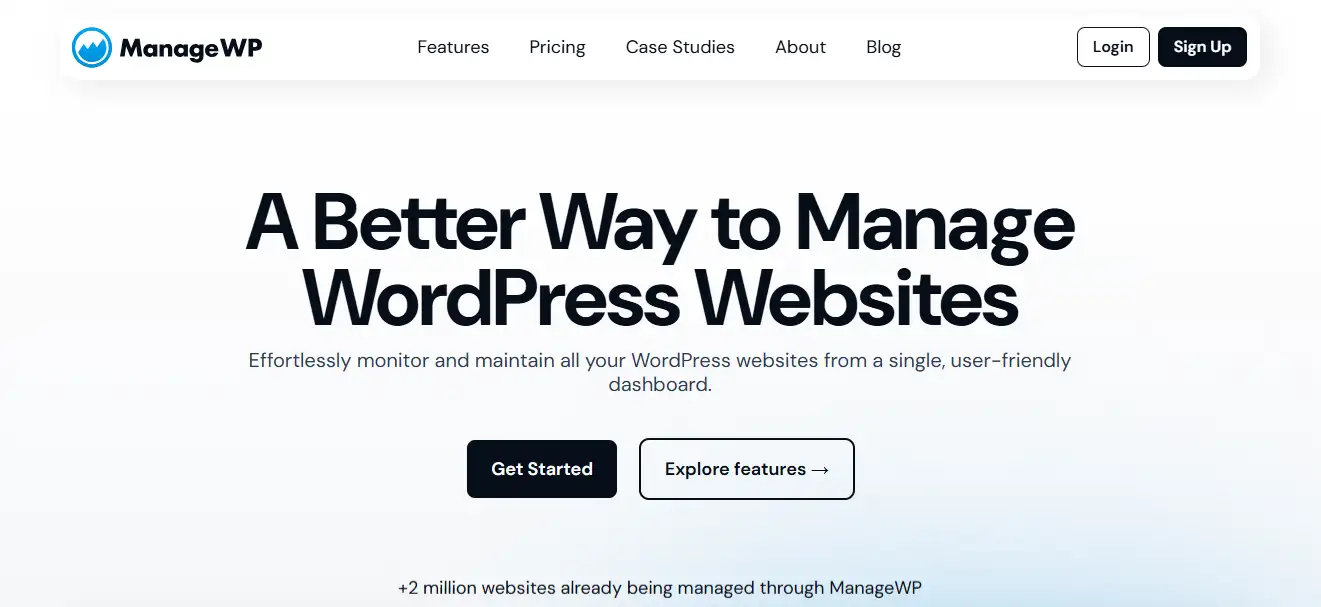
- Automated Backups and Updates: ManageWP automates backups and WordPress updates. which reduces manual effort and ensures site stability.
- Performance Monitoring: Built-in performance monitoring helps track site speed and uptime from a single dashboard.
- Security Checks: Security checks scan for vulnerabilities and potential threats on a regular basis.
- Google Analytics Integration: This integration provides traffic insights without requiring you to leave the ManageWP interface.
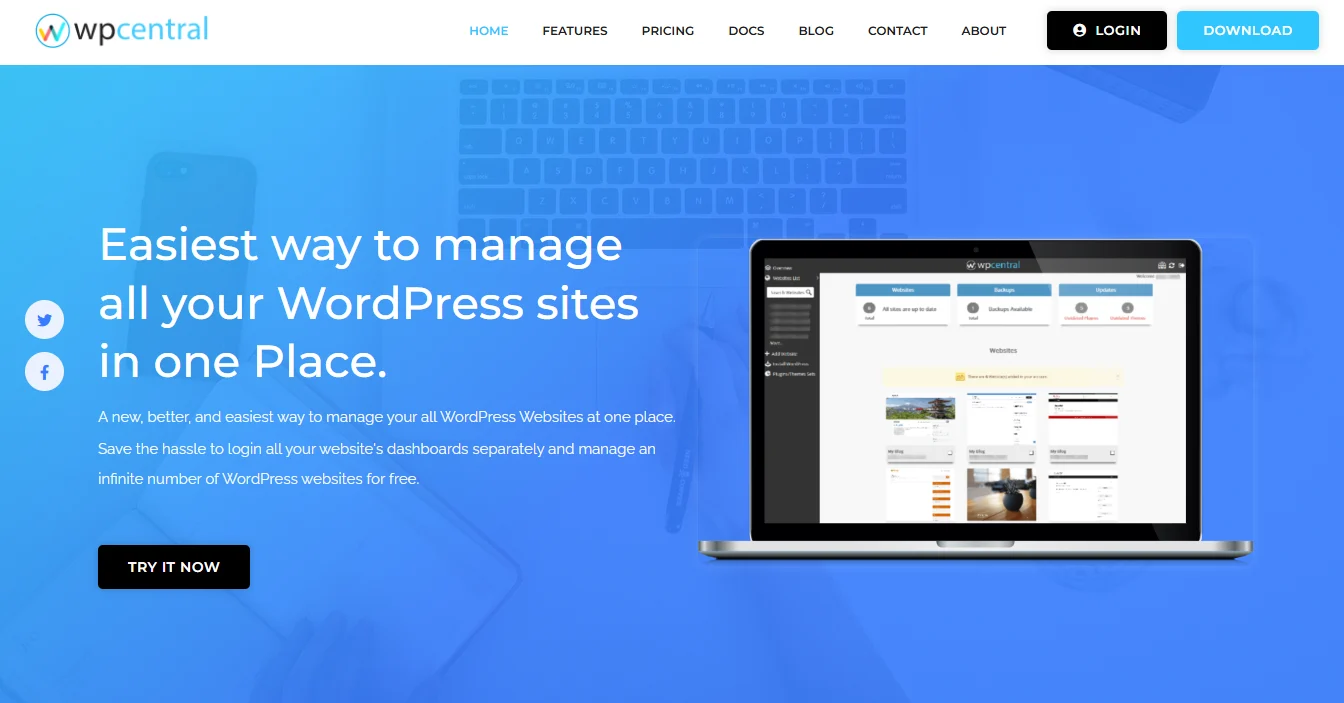
9. WPCentral
WPCentral is a flexible WordPress management solution that offers both self-hosted and cloud-based deployment options. It is ideal for users who want control over how their management system is set up. In addition, its affordable pricing and adaptable licensing plans make it suitable for freelancers, developers, and small agencies.
Key Features of WPCentral are:
- Bulk Updates: WPCentral supports bulk updates for WordPress core, plugins, and themes. This improves maintenance efficiency.
- Backup Scheduling: It offers scheduled backups to ensure consistent data protection and easy recovery.
- Security Scans: It’s built-in security scans help identify potential threats early.
- User Management: Finally, centralized user management simplifies role assignment and access control across websites.
Website Management Best Practices
Even with advanced WordPress management tools, long-term success depends on having the right processes in place. Tools can automate tasks, but best practices ensure consistency, security, and performance across all websites. By following the strategies outlined below, you can mitigate risks, enhance efficiency, and maintain a stable WordPress environment.
Regular Updates and Maintenance
First and foremost, keep WordPress core, plugins, and themes up to date at all times. Regular updates fix bugs, patch security vulnerabilities, and improve compatibility. Moreover, consistent maintenance prevents small issues from turning into major failures.
Automated Backups
Equally important are automated backups. Schedule daily backups to ensure you can quickly restore websites in case of data loss or cyberattacks. Additionally, always store backups offsite. This adds an extra layer of protection if the primary server fails.
Security Scans and Monitoring
Next, focus on proactive security. Run regular malware and vulnerability scans to detect threats early. At the same time, enable real-time alerts for suspicious activity. This allows you to respond quickly and minimize potential damage.
Performance Optimization
Performance directly impacts user experience and SEO. Therefore, use caching plugins and content delivery networks to reduce load times. Also, monitor site speed regularly to identify bottlenecks before they affect visitors.
User and Role Management
Proper user management is often overlooked. Assign roles carefully based on responsibility. Remove inactive or unnecessary users regularly. As a result, you reduce security risks and maintain better access control.
Documentation and Reporting
Finally, maintain clear documentation for workflows, credentials, and processes. Additionally, share regular performance and maintenance reports with clients and stakeholders. This builds transparency, trust, and long-term credibility.
Final Thoughts
Managing multiple WordPress sites does not have to be complex. With the right management tool, you can automate routine tasks, enhance security, and improve performance.
Platforms like WPRemote, WP Umbrella, MainWP, and InfiniteWP continue to lead the market. However, the best choice depends on your site volume, budget, and technical expertise.
So, evaluate your needs carefully and then invest in a tool that scales with your growth. The right decision today will save hours of work tomorrow and ensure long-term stability for your WordPress ecosystem.
FAQs About Tools to Manage Multiple WordPress Websites
What is WordPress management software?
WordPress management software helps you control multiple WordPress websites from a single dashboard, simplifying updates, backups, and routine site management tasks across all your sites.
Who should use WordPress management tools?
They are ideal for freelancers, agencies, and businesses managing multiple WordPress websites, especially those handling multiple client sites, new sites, and growing managed sites efficiently.
Do these tools support scalability?
Yes, many WordPress management tools allow you to manage unlimited websites, while some plans support up to five websites or up to ten sites, depending on pricing and limits.
What features should I expect?
Most WordPress management tools offer bulk management, automatic backups, updates to WordPress core files, WordPress plugins, content management, and tools to manage WordPress users via a user-friendly dashboard.
Are security and performance included?
A comprehensive WordPress management solution typically includes security features, uptime monitoring, site performance tracking, IP address restriction, and checks for the same server resources and web hosting stability.
Can I test changes safely?
Yes, advanced platforms enable you to create, manage, and utilize staging and visual regression testing before deploying changes to client sites with just a few clicks.
Is there a free option available?
Some platforms offer a free plan, while paid tiers provide access to advanced features, maintenance services, and tools for managing unlimited websites. This helps you choose the best WordPress management tool with a user-friendly interface.

